The best to-do apps for ADHD in 2026
There is no universal “ADHD app.” One person needs faster capture; another needs to see time; somebody else needs help starting. We have grouped the picks by the job they do best.
Our picks
The list, if you are in a hurry
- 01
 TiimoBest visual support
 - 02
 TickTickBest all-in-one
 - 03
 StructuredBest for seeing the day
 - 04
 TodoistBest quick capture
 - 05
 Amazing MarvinBest for custom strategies
 - 06
 Apple RemindersBest no-cost option
Best visual support
Tiimo
Tiimo turns routines and the passing day into something you can see. It is less useful for a complicated project shared with other people.
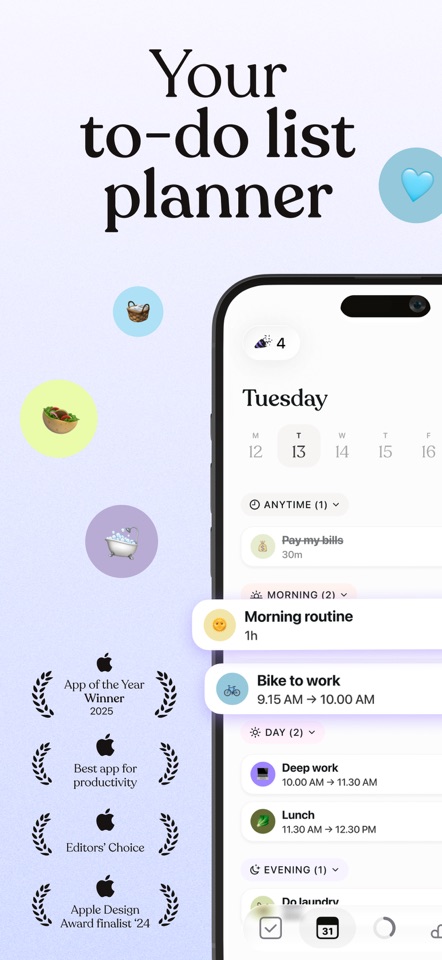
Positive reviews describe using Tiimo alongside existing support. Critical reviews say the navigation can be difficult to understand at first.
US App Store reviews“Get ready” may need to be several steps, not one vague task. Tiimo can show the sequence without turning the morning into a wall of text.
- Best for
- Visual schedules and recurring routines
- Price model
- Free download; optional paid plan
- Platforms
- iPhone, iPad, Apple Watch, Android
What we like
- Strong visual timeline
- Helpful routine support
- Designed with neurodivergence in mind
What may put you off
Not a conventional project manager for complex team work.
Best all-in-one
TickTick
TickTick is handy when you want to plan the task, put it on a calendar and start a focus timer without changing apps.
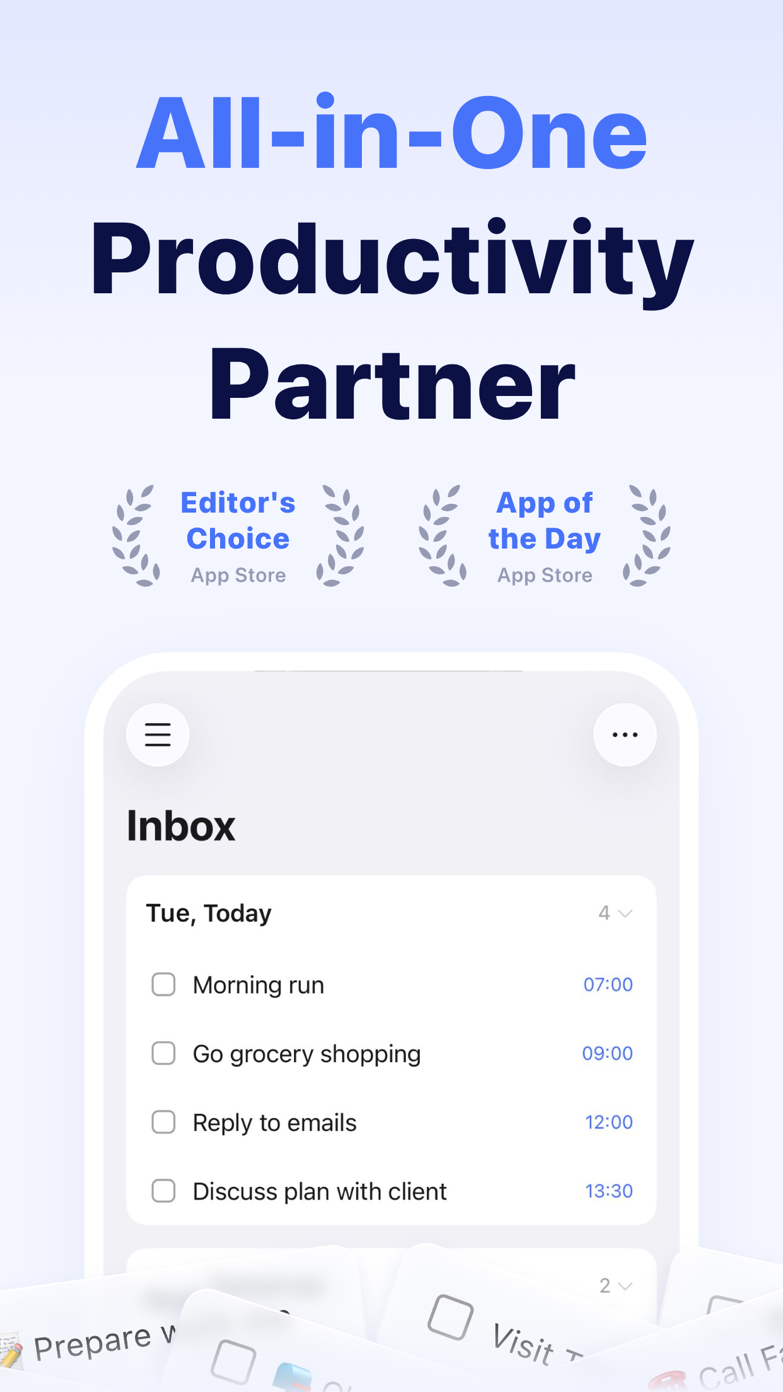
US reviewers repeatedly mention the Pomodoro timer, reminders and help with executive function. The common complaint is how much of the app sits behind Premium.
US App Store reviewsSometimes the task is clear and starting is the hard part. TickTick can put the task, a 25-minute timer and its calendar block on the same screen.
- Best for
- People who want one app for planning and focus
- Price model
- Free; Premium $49.99/year (US web price)
- Platforms
- iPhone, iPad, Mac, Windows, Android, web
What we like
- Pomodoro built in
- Calendar planning
- Persistent reminders
What may put you off
Lots of options can become their own distraction.
Best for seeing the day
Structured
Structured shows tasks and events on a single timeline. It quickly exposes the days when the plan simply does not fit.
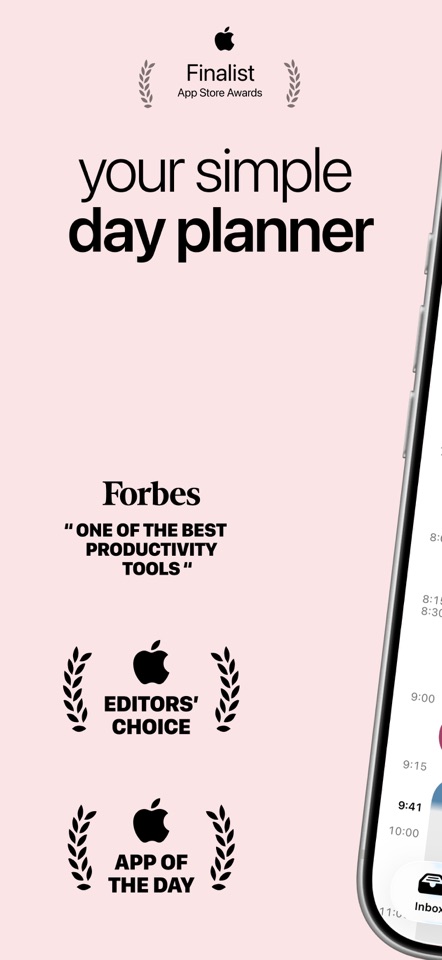
Reviews split on the same design choice we noticed. Some people love shaping the day visually and using the focus tools. Others cannot get past the lack of ordinary task priorities. If priority flags run your day, that is not a small omission.
US App Store reviewsA list makes six tasks look possible. A timeline quickly shows that only three fit between your meetings.
- Best for
- Time blindness and daily sequencing
- Price model
- Free download; optional Pro upgrade
- Platforms
- iPhone, iPad, Mac, Watch, Android
What we like
- Visual timeline
- Easy rescheduling
- Low intimidation factor
What may put you off
Not ideal for deep multi-stage projects.
Best quick capture
Todoist
Todoist is very quick when you need to get a thought out of your head before it disappears. You can sort it out later.
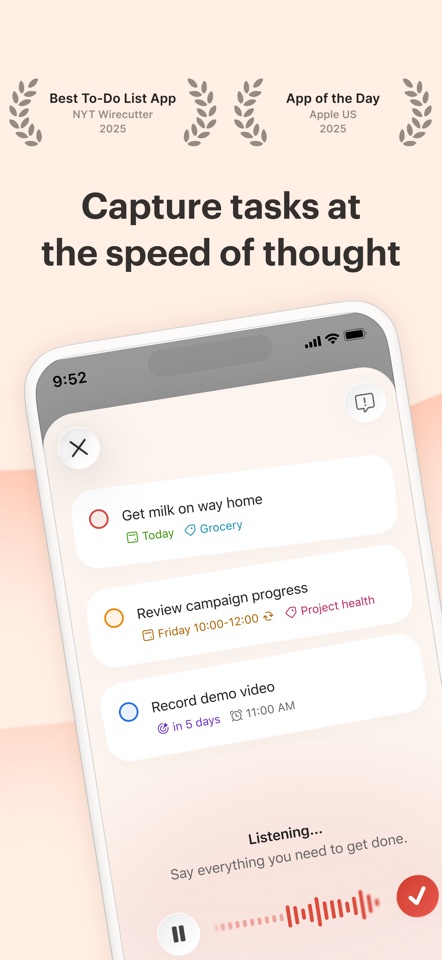
Recent US reviews often praise how quickly Todoist gets out of the way. Lower ratings mention widget bugs, missing tasks and features that feel excessive for a personal list.
US App Store reviewsSomebody gives you a date while you are walking away from a conversation. One loose sentence can put the task in the right project with a reminder before you forget it.
- Best for
- Capturing thoughts before they disappear
- Price model
- Free; Pro $60/year or $7 monthly (US)
- Platforms
- iPhone, iPad, Mac, Windows, Android, web
What we like
- Very fast capture
- Useful filters
- Works nearly everywhere
What may put you off
A large backlog can still become an unhelpful guilt list.
Best for custom strategies
Amazing Marvin
Marvin lets you try different planning methods without moving your tasks to another app each time. That freedom comes with plenty of setup.
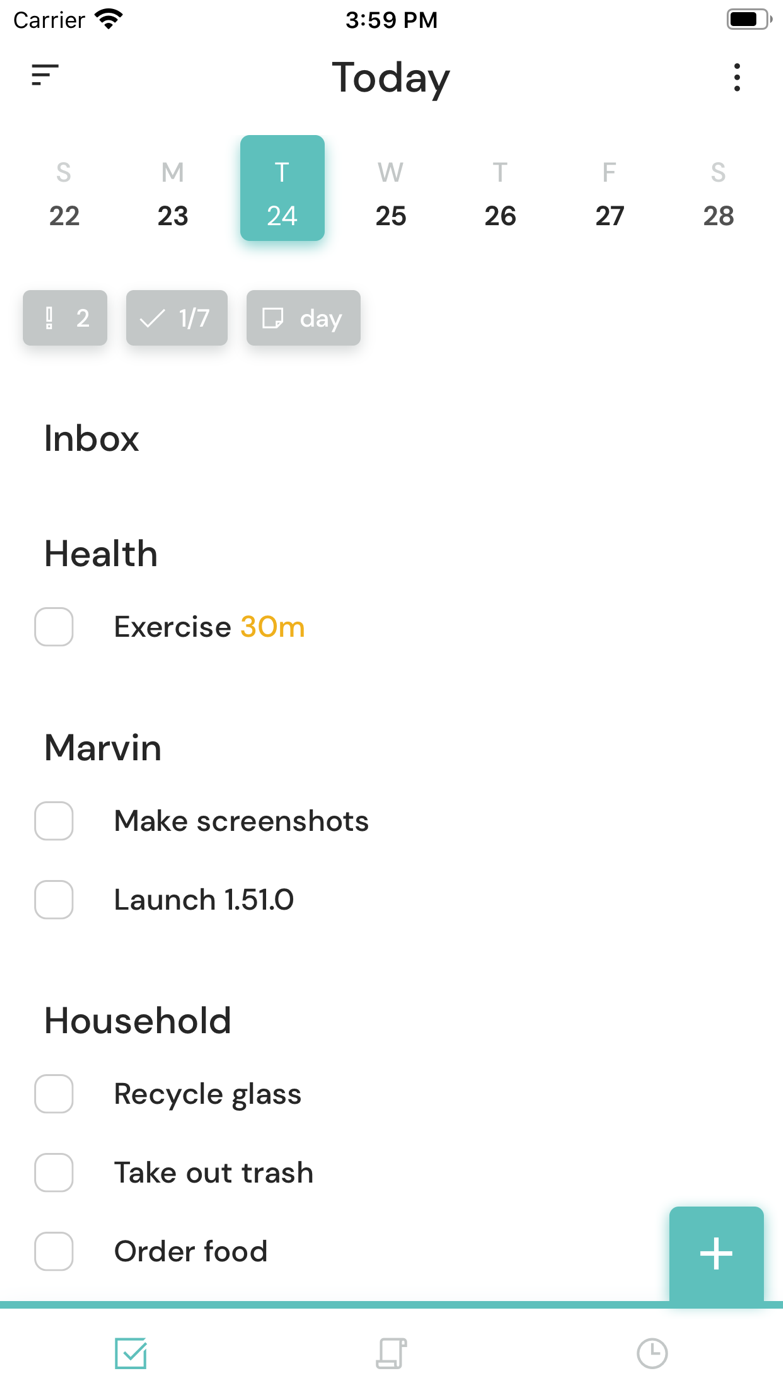
One user who tried more than 20 tools calls Marvin a hidden gem. Another says a calendar bug makes the mobile app hard to trust.
US App Store reviewsA planning method works for three weeks and then stops helping. Marvin lets you change the method without moving every task to another app.
- Best for
- People who need to experiment with workflows
- Price model
- Paid plan; free trial available
- Platforms
- Mac, Windows, Linux, web, iPhone, Android
What we like
- Modular workflow strategies
- Strong procrastination tools
- Flexible day planning
What may put you off
Its flexibility asks for more setup and self-knowledge.
Best no-cost option
Apple Reminders
Reminders is already on the phone and works well with Siri. That makes it the simplest place to start before buying or configuring anything.
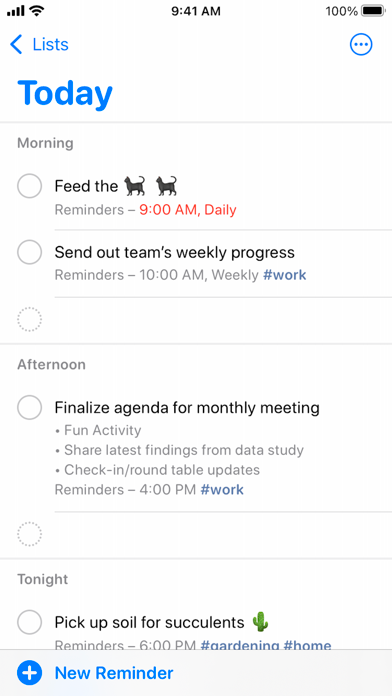
The linked walkthrough makes a simple case for Reminders: it is already on the phone, works with Siri and can be shared without asking the whole household to install something new.
Apple Reminders workflow videoYour hands are full in a supermarket car park. Saying “remind me when I get home” is more useful then than opening a beautiful project planner.
- Best for
- The simplest possible starting point
- Price model
- Included with Apple devices
- Platforms
- iPhone, iPad, Mac, Watch, web via iCloud
What we like
- Voice capture anywhere
- Location reminders
- Shared lists
What may put you off
Its interface offers less help with time estimation and starting.
Sources
Where we checked prices and features
We last checked pricing, platforms and availability on . Our opinions are our own. When we mention somebody else's experience, we link to it.
- 01TiimoOfficial product source User review or discussion
- 02TickTickOfficial product source User review or discussion
- 03StructuredOfficial product source User review or discussion
- 04TodoistOfficial product source User review or discussion
- 05Amazing MarvinOfficial product source User review or discussion
- 06Apple RemindersOfficial product source User review or discussion