The best to-do apps for iPhone in 2026
The best iPhone task app should be quick when you are standing in a shop, walking out of a meeting or trying not to forget something. These are the six we found easiest to trust.
Our picks
The list, if you are in a hurry
- 01
 Things 3Best Apple-native design
 - 02
 TodoistBest overall
 - 03
 Apple RemindersBest free choice
 - 04
 TickTickBest all-in-one
 - 05
 StructuredBest visual day planner
 - 06
 OmniFocusBest for complex systems
Best Apple-native design
Things 3
Things 3 feels as though every screen has been edited. It is quick, quiet and particularly good at deciding what belongs in Today.
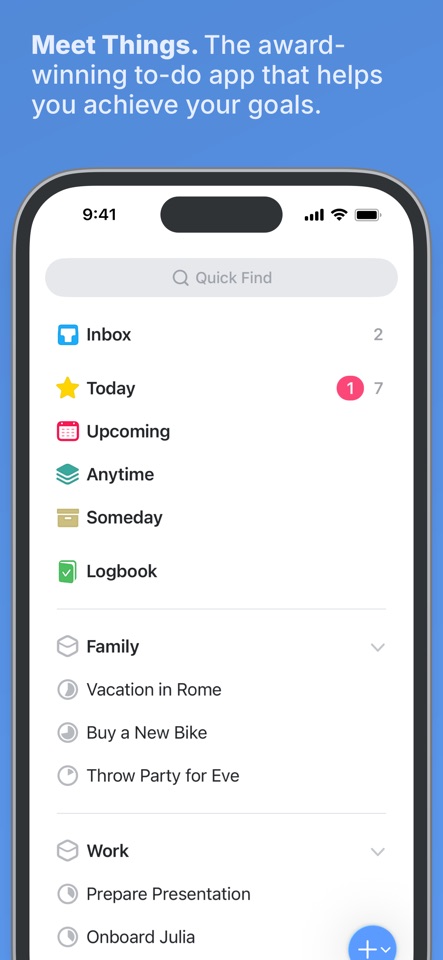
One reviewer says they have used Things every day for five years. Critical reviews mostly complain about the learning curve, no web app and having to buy each platform separately.
US App Store reviewsAt the end of a messy day, you can clear Today without turning rescheduling into a second job. That small sense of closure is hard to show on a feature list.
- Best for
- Apple-only users who value calm design
- Price model
- One-time purchase per Apple platform
- Platforms
- iPhone, iPad, Mac, Watch, Vision Pro
What we like
- Best-in-class Today view
- Excellent date and deadline model
- No recurring subscription
What may put you off
No collaboration, web app or Android version.
Best overall
Todoist
Todoist is quick to learn, grows well as your list gets busier and does not lock you into Apple hardware.
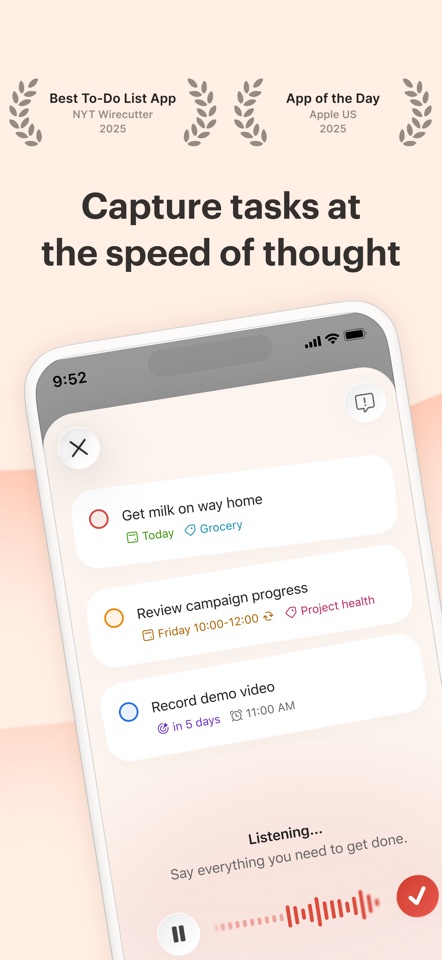
Recent US reviews often praise how quickly Todoist gets out of the way. Lower ratings mention widget bugs, missing tasks and features that feel excessive for a personal list.
US App Store reviewsSomebody gives you a date while you are walking away from a conversation. One loose sentence can put the task in the right project with a reminder before you forget it.
- Best for
- People mixing personal and shared work
- Price model
- Free; Pro $60/year or $7 monthly (US)
- Platforms
- iPhone, iPad, Mac, Windows, Android, web
What we like
- Excellent natural-language capture
- Strong collaboration
- Mature integrations
What may put you off
The most useful calendar and filtering tools sit in the paid plan.
Best free choice
Apple Reminders
Reminders has grown into a proper task app. Siri, shared lists and location alerts still give it an advantage on iPhone.
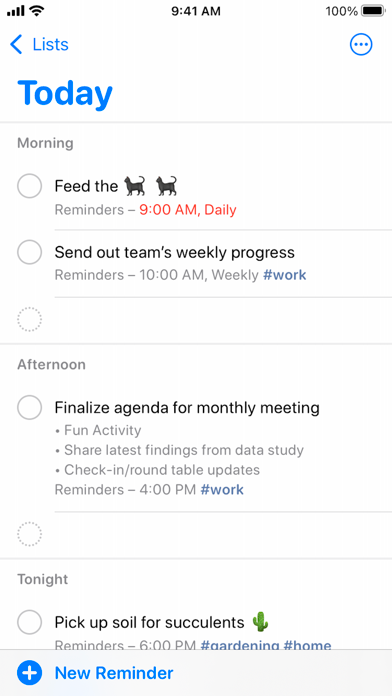
The linked walkthrough makes a simple case for Reminders: it is already on the phone, works with Siri and can be shared without asking the whole household to install something new.
Apple Reminders workflow videoYour hands are full in a supermarket car park. Saying “remind me when I get home” is more useful then than opening a beautiful project planner.
- Best for
- Apple households who want zero setup
- Price model
- Included with Apple devices
- Platforms
- iPhone, iPad, Mac, Watch, web via iCloud
What we like
- Instant Siri capture
- Useful Smart Lists and tags
- Shared lists work well for households
What may put you off
Reviewing large or complex projects can feel fussy.
Best all-in-one
TickTick
TickTick packs a calendar, habits and a focus timer into the same app. That is useful if you will actually use them and clutter if you will not.
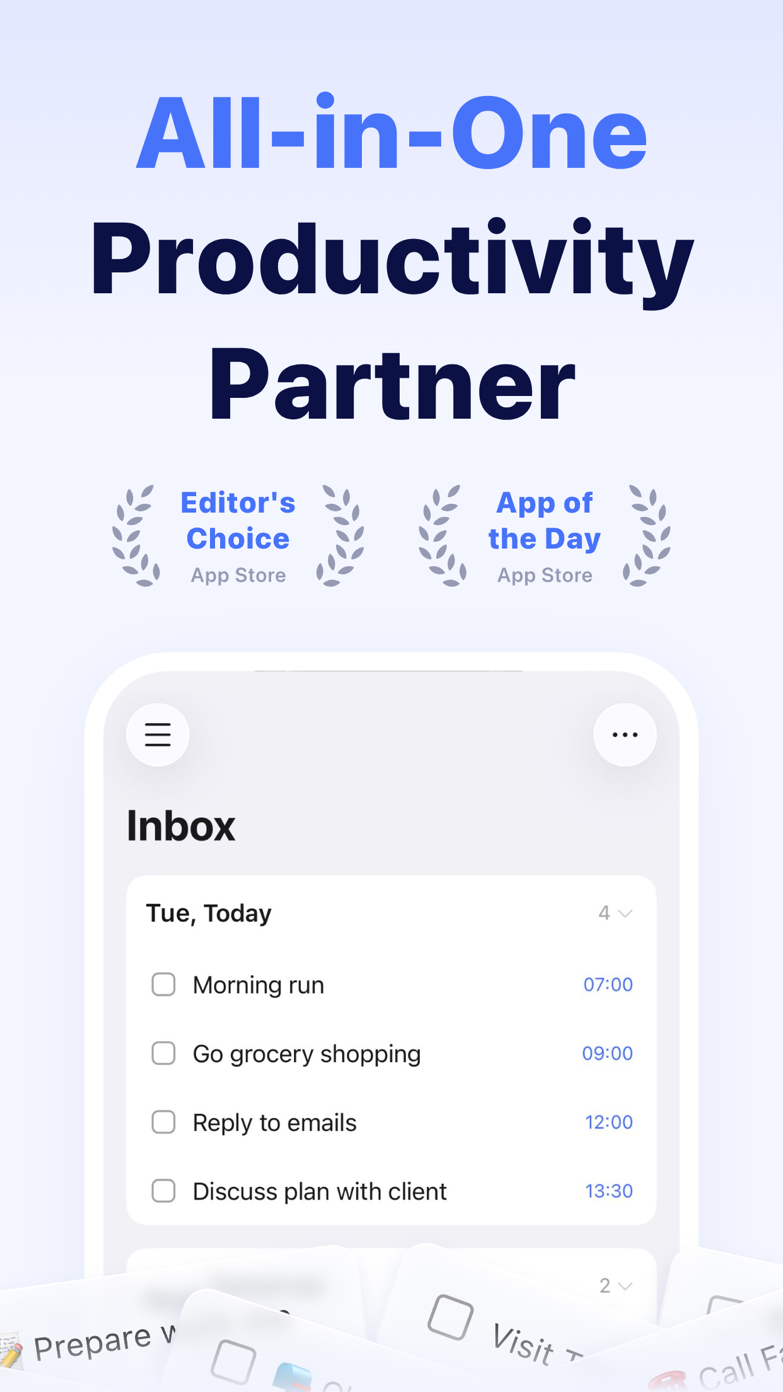
US reviewers repeatedly mention the Pomodoro timer, reminders and help with executive function. The common complaint is how much of the app sits behind Premium.
US App Store reviewsSometimes the task is clear and starting is the hard part. TickTick can put the task, a 25-minute timer and its calendar block on the same screen.
- Best for
- People who want fewer separate productivity apps
- Price model
- Free; Premium $49.99/year (US web price)
- Platforms
- iPhone, iPad, Mac, Windows, Android, web
What we like
- Built-in Pomodoro and habit tools
- Flexible calendar views
- Strong recurring tasks
What may put you off
The density can feel busy if you only want a simple list.
Best visual day planner
Structured
Structured puts tasks and calendar events on one friendly timeline, so an overfilled day is obvious before it goes wrong.
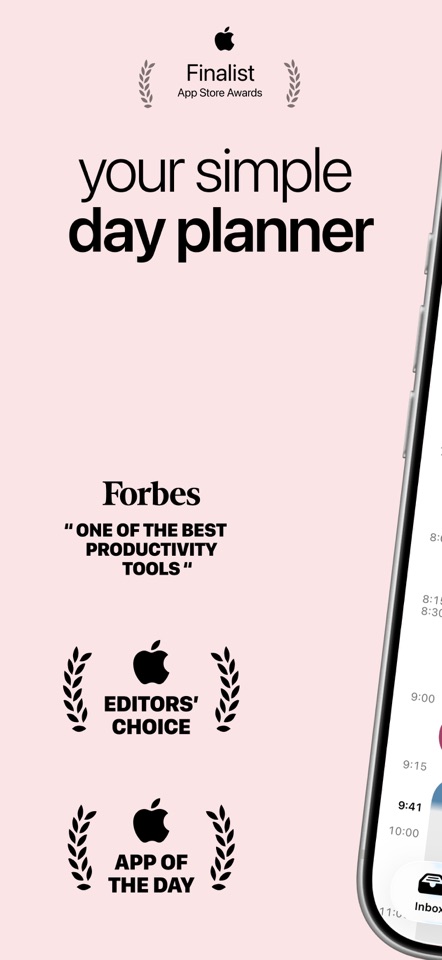
Reviews split on the same design choice we noticed. Some people love shaping the day visually and using the focus tools. Others cannot get past the lack of ordinary task priorities. If priority flags run your day, that is not a small omission.
US App Store reviewsA list makes six tasks look possible. A timeline quickly shows that only three fit between your meetings.
- Best for
- Visual planners and time-blockers
- Price model
- Free download; optional Pro upgrade
- Platforms
- iPhone, iPad, Mac, Watch, Android
What we like
- Clear timeline
- Low-friction daily planning
- Approachable interface
What may put you off
Less suited to deep project hierarchies and team work.
Best for complex systems
OmniFocus
OmniFocus is for people with enough projects to need custom views and a formal weekly review. Everybody else may find it heavy.
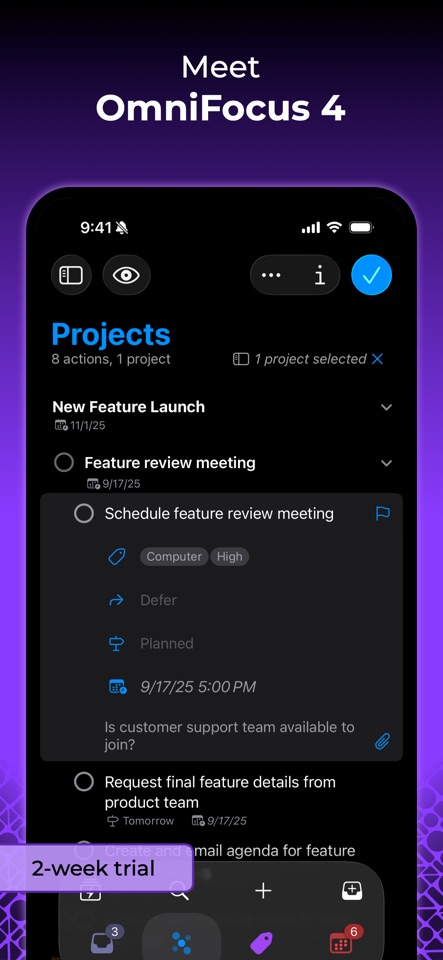
A user of more than a decade still calls OmniFocus brilliant, but says reviewing 30 to 40 projects has become tedious. That complaint neatly captures the cost of all that power.
US App Store reviewsIf you genuinely have 40 active projects, a simple list soon stops being simple. OmniFocus gives each project its own review rhythm and view.
- Best for
- GTD power users with many active projects
- Price model
- Free trial; paid options available
- Platforms
- iPhone, iPad, Mac, Watch, web
What we like
- Powerful perspectives
- Excellent review workflow
- Deep automation
What may put you off
More setup, cost and cognitive overhead than most people need.
Sources
Where we checked prices and features
We last checked pricing, platforms and availability on . Our opinions are our own. When we mention somebody else's experience, we link to it.
- 01Things 3Official product source User review or discussion
- 02TodoistOfficial product source User review or discussion
- 03Apple RemindersOfficial product source User review or discussion
- 04TickTickOfficial product source User review or discussion
- 05StructuredOfficial product source User review or discussion
- 06OmniFocusOfficial product source User review or discussion