Head-to-head review ·
TodoistvsTickTick
Todoist is easier to learn and better for shared work. TickTick gives you a calendar, habit tracker and focus timer in the same app. We would pick Todoist for a straightforward task list and TickTick for planning a whole day.
When Todoist makes more sense
Todoist
You want a clean task list that is easy to share and does not need much explaining.
When TickTick makes more sense
TickTick
You plan tasks on a calendar or want habits and focus sessions beside the list.The quick comparison
The important differences
Todoist keeps the list at the center. TickTick puts more controls on the screen because its calendar, habits and focus tools are not optional extras.
| Question | Todoist | TickTick |
|---|---|---|
| Best fit | Fast capture, clear projects and sharing | Calendar-led planning, habits and focus |
| Free plan | Yes, five personal projects | Yes, useful core task features |
| Natural-language entry | Excellent and unusually forgiving | Very good, with a little more friction |
| Calendar | Clean calendar layouts in Pro | Deeper and more central to the product |
| Habit tracker | No dedicated tracker | Built in |
| Focus timer | No dedicated timer | Pomodoro built in |
| Collaboration | More mature and easier to introduce | Useful, but not the center of the app |
| Interface cost | Less dense; fewer concepts to learn | More controls and more places to configure |
| Paid model | Pro $60/year or $7 monthly (US) | Premium $49.99/year on the US web plan |
Inside the apps
Todoist looks quieter. TickTick keeps more tools close by.
These screenshots come from the current App Store listings. Even before setup, you can see that TickTick puts more information on screen.
Todoist
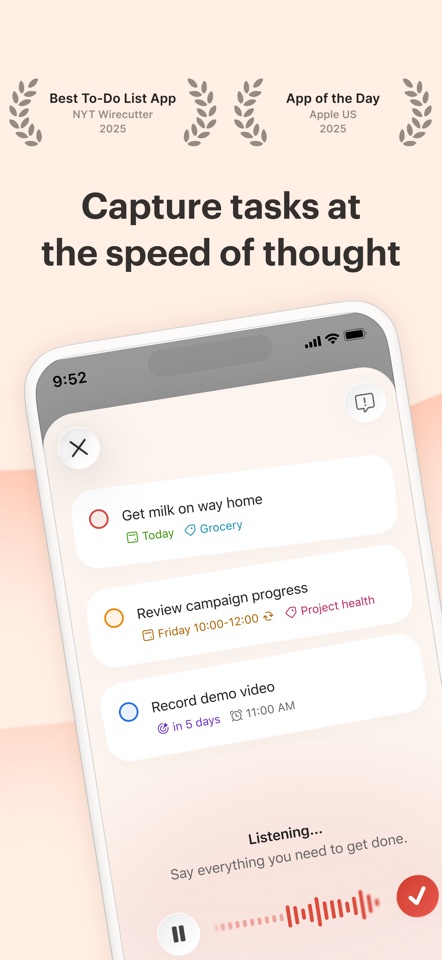
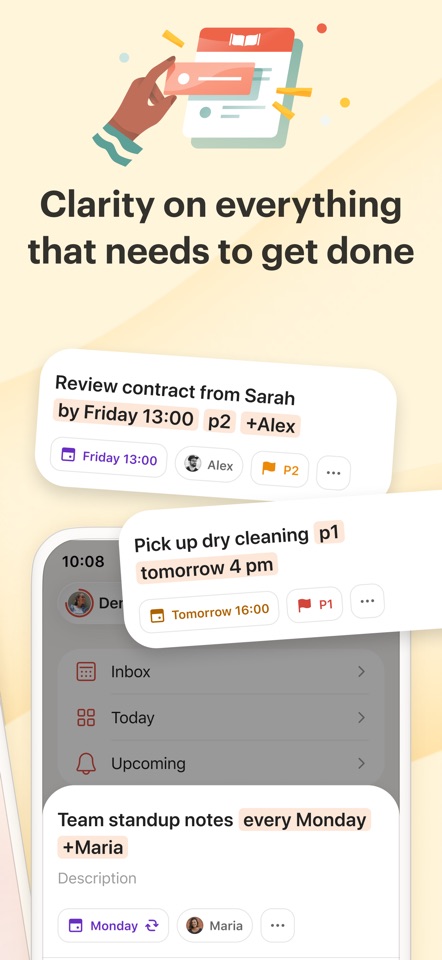
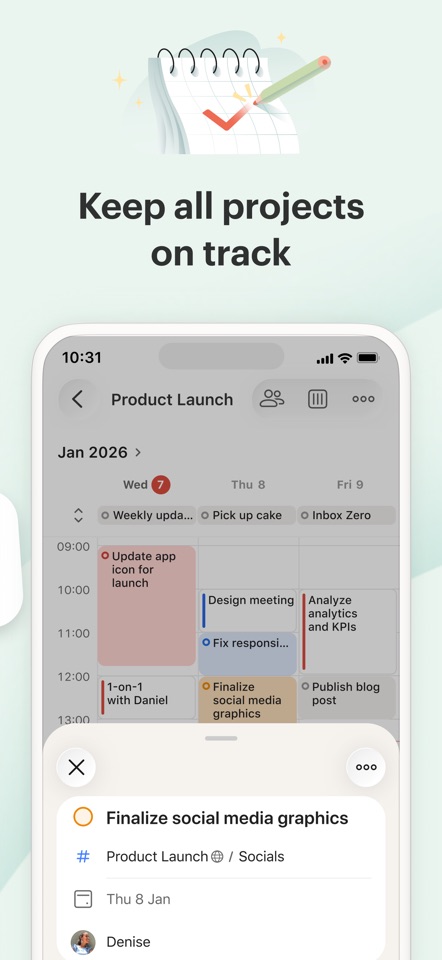
The list remains the main thing on screen. Project and task controls are there when you need them, but they rarely crowd the page.
TickTick
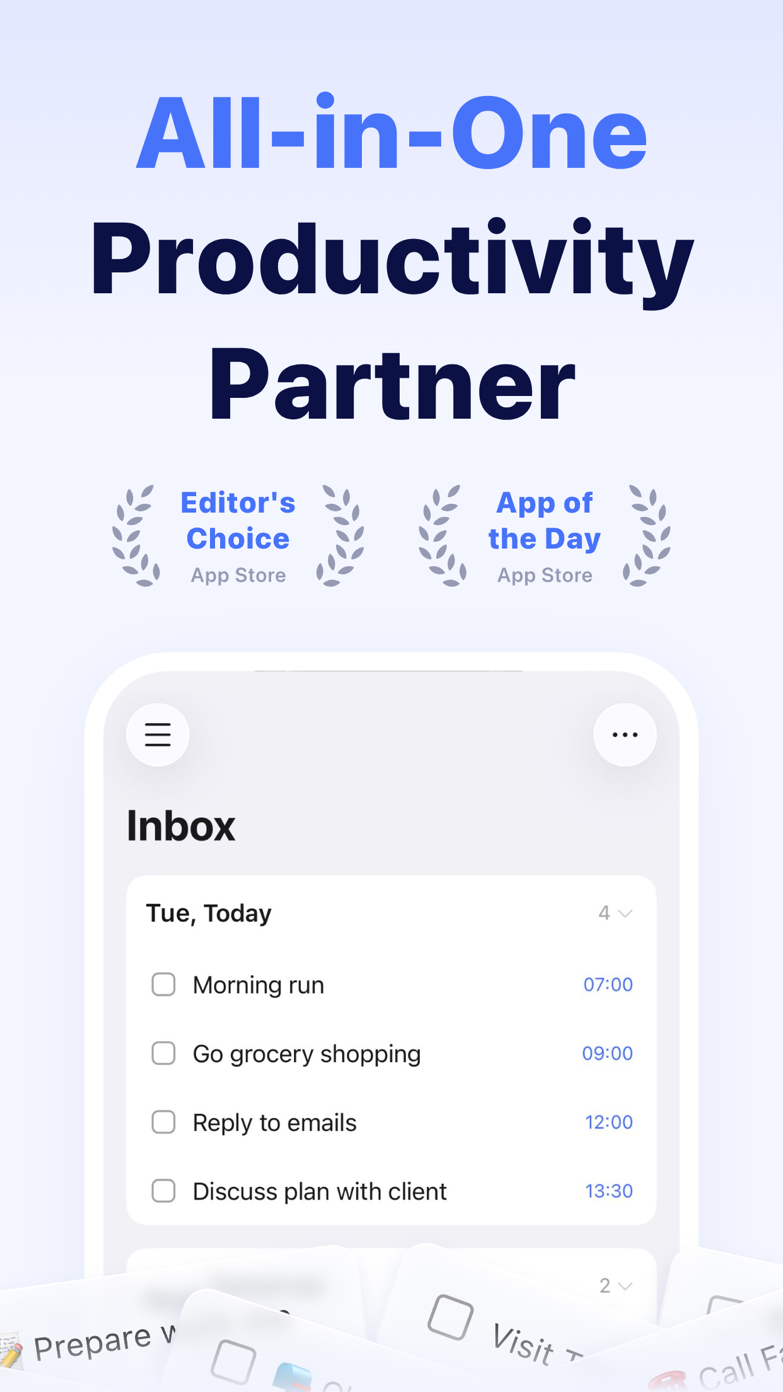
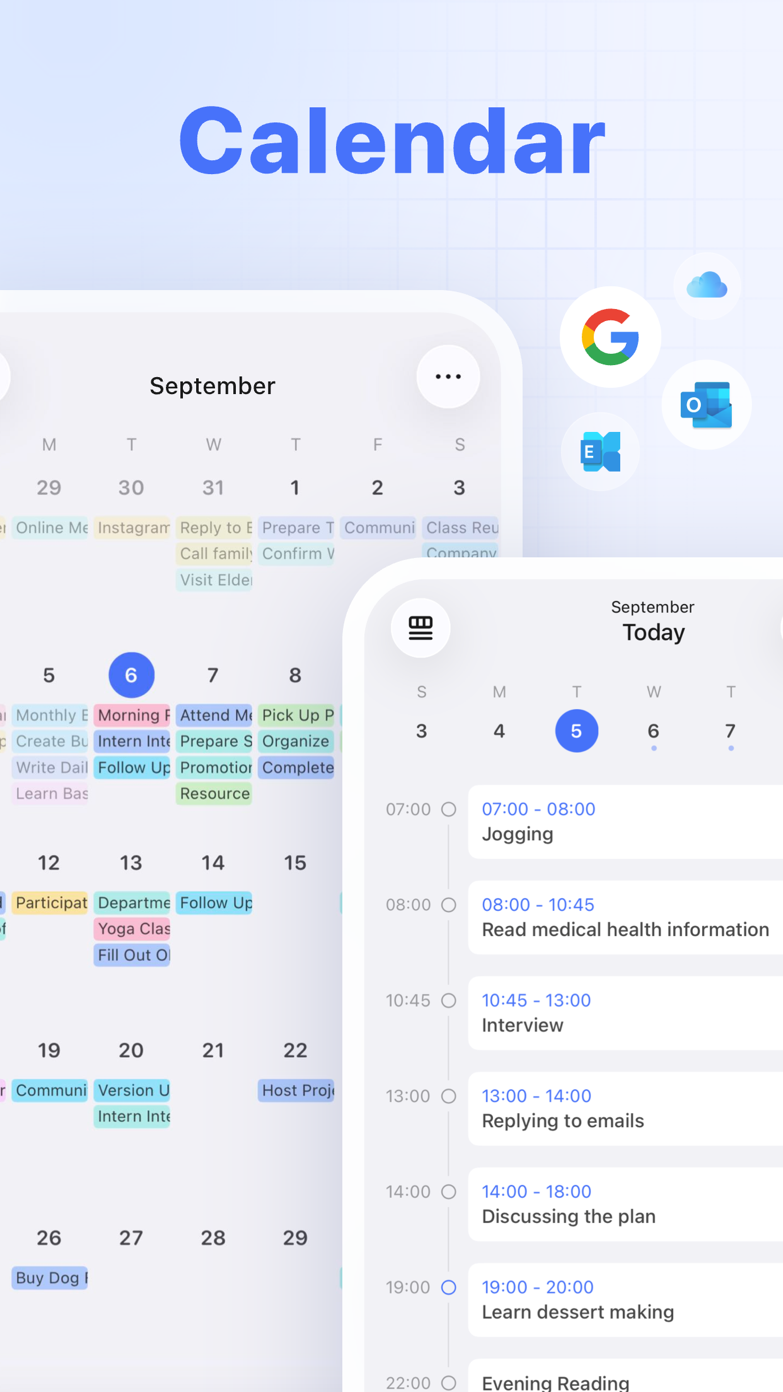
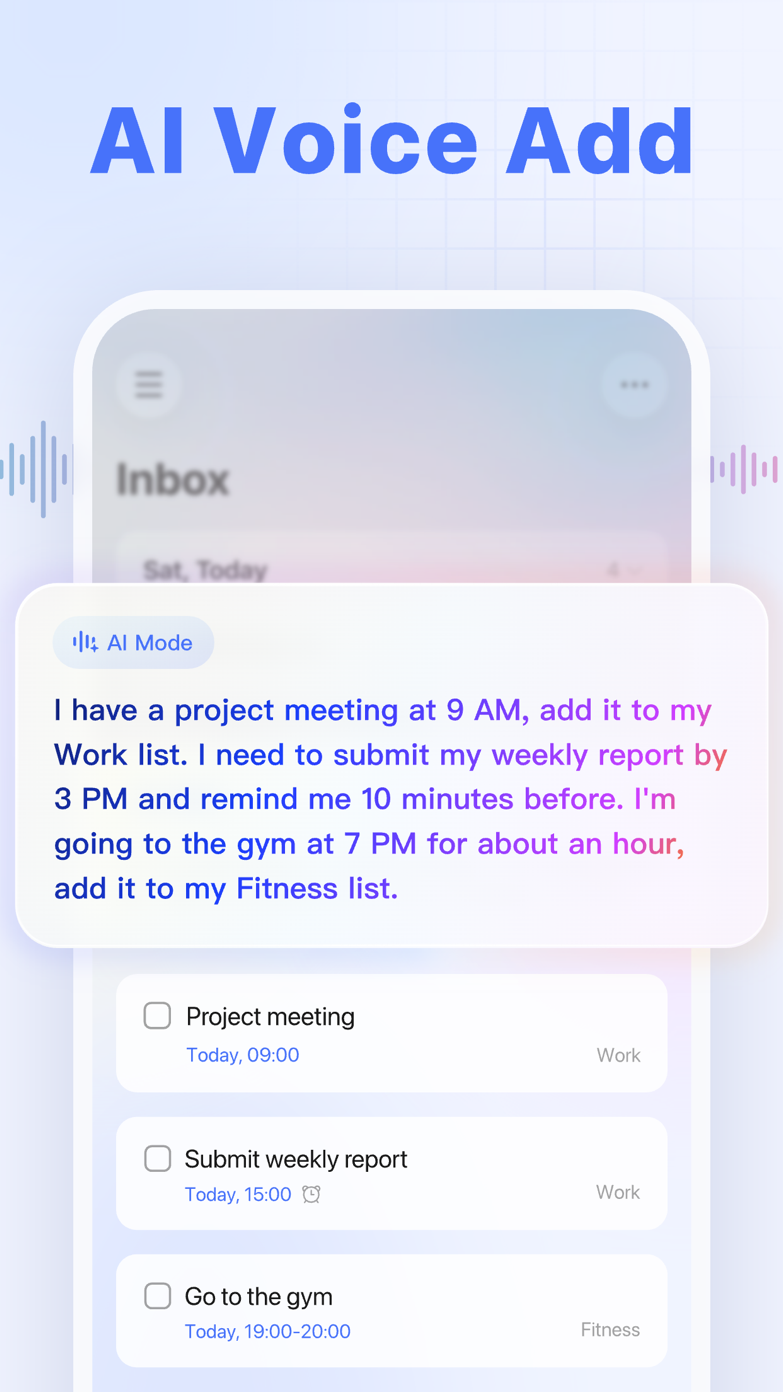
Calendar, focus and task controls are easier to reach. The cost is a busier screen and more settings to learn.
Why people switch
Two users made opposite choices for the same reason
One wanted TickTick's extra tools. The other went back to Todoist because it felt calmer. These are individual accounts, not survey results, but they describe the choice well.
The switch that made TickTick stick
A long-time Todoist user preferred TickTick’s three-pane view, subtasks, calendar and focus tools, but still missed Todoist’s filters, natural-language capture, polish and documentation.
Read the discussion r/todoist · Community accountThe return to Todoist
After paying for each app for roughly a year, one user returned to Todoist because the calmer interface mattered more in daily use than TickTick’s extra tools.
Read the discussionRecent US reviews often praise how quickly Todoist gets out of the way. Lower ratings mention widget bugs, missing tasks and features that feel excessive for a personal list.
US reviewers repeatedly mention the Pomodoro timer, reminders and help with executive function. The common complaint is how much of the app sits behind Premium.
Watch them in use
Pay attention to adding and rescheduling a task
Those are the jobs you repeat all week. A long feature tour matters much less if the basic interactions feel slow or crowded.
Where Todoist is stronger
It is easier to live with
Adding a task is quick, projects stay readable and you can share a list without giving somebody a lesson first. Todoist feels deliberately restrained.
- Faster to introduce to a partner or team
- Cleaner hierarchy and less visual density
- A broader, more mature integration ecosystem
Where TickTick is stronger
It can replace more apps
If you already plan on a calendar, track habits and use a focus timer, TickTick can keep all three beside your tasks. In that case the busier interface earns its place.
- Calendar and timeline planning feel central
- Habits and Pomodoro are built in
- Persistent reminders suit time-sensitive work
The verdict
Our pick: Todoist for most people, TickTick for calendar planners
Choose Todoist if you mainly need a dependable list and shared projects. Choose TickTick if you would otherwise open separate calendar, habit and focus apps.
Both have free plans. Add the same ten tasks to each and use them for a normal week before paying.
Sources
Where we checked the details
We checked prices, features, app versions and US rating counts on . Community posts are linked as individual experiences, not treated as general proof.
- 01Todoist plans, pricing, and billing FAQOfficial source
- 02TickTick plans and pricingOfficial source
- 03TickTick product featuresOfficial source
- 04Todoist US App Store listing and reviewsApp Store source
- 05TickTick US App Store listing and reviewsApp Store source
- 06A long-time Todoist user explains switching to TickTickReddit source
- 07A year with each app, then a return to TodoistReddit source
- 08Todoist vs TickTick (2026) video comparisonYouTube source