The best free to-do apps in 2026
A free task app should do more than let you make three lists before asking for a card. Every pick here can handle a useful personal setup without payment; some never charge at all.
Our picks
The list, if you are in a hurry
- 01
 Apple RemindersBest for Apple users
 - 02
 Microsoft To DoBest for Microsoft users
 - 03
 TodoistBest freemium all-rounder
 - 04
 TickTickBest feature-rich free plan
 - 05
 Google TasksBest lightweight choice
 - 06
 SuperlistBest for rich shared lists
Best for Apple users
Apple Reminders
Reminders covers everyday personal and household lists without an upgrade screen. Siri and location alerts are the best reasons to use it.
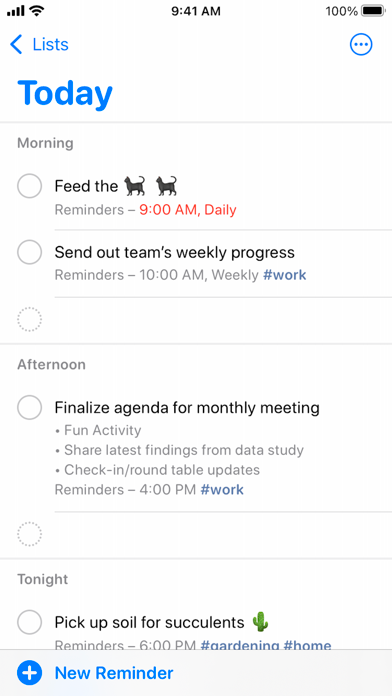
The linked walkthrough makes a simple case for Reminders: it is already on the phone, works with Siri and can be shared without asking the whole household to install something new.
Apple Reminders workflow videoYour hands are full in a supermarket car park. Saying “remind me when I get home” is more useful then than opening a beautiful project planner.
- Best for
- Apple households
- Price model
- Free with Apple devices
- Platforms
- iPhone, iPad, Mac, Watch, web via iCloud
What we like
- No upgrade wall
- Smart Lists and tags
- Strong system integration
What may put you off
No native Android or Windows app.
Best for Microsoft users
Microsoft To Do
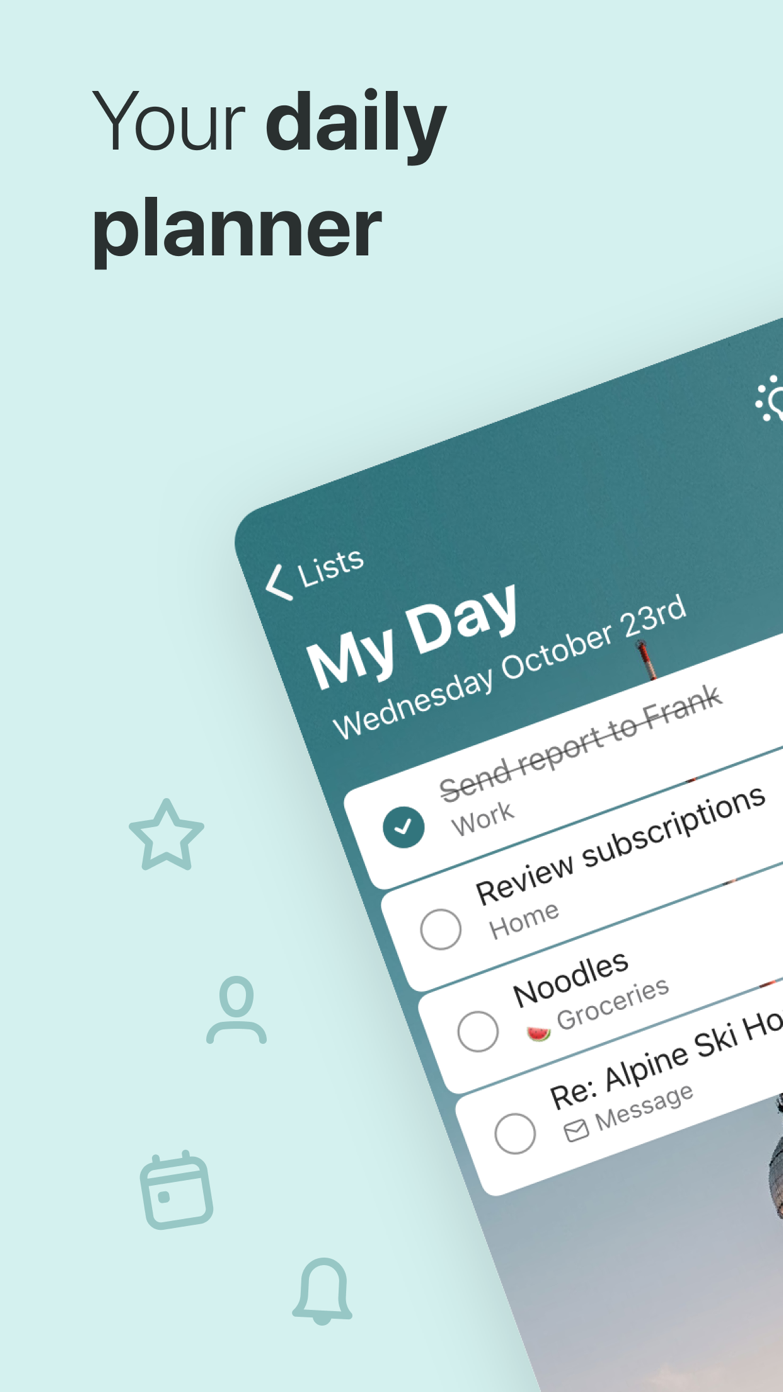
To Do is simple, free and especially useful if flagged Outlook messages are already part of your working day.
One reviewer chose Microsoft To Do so an iPhone and Samsung household could share tasks. Other recent reviews complain about long-running bugs.
US App Store reviewsFor a shared grocery list, cross-platform access matters more than a clever planning method. Everybody can add from the phone they already own.
- Best for
- Workplaces already using Microsoft
- Price model
- Free with a Microsoft account
- Platforms
- iPhone, Android, Mac, Windows, web
What we like
- Useful My Day view
- Outlook integration
- Shared lists
What may put you off
Project organization is deliberately basic.
Best freemium all-rounder
Todoist
Todoist’s free plan is enough for a straightforward personal setup, and it leaves room to grow without learning a new app later.
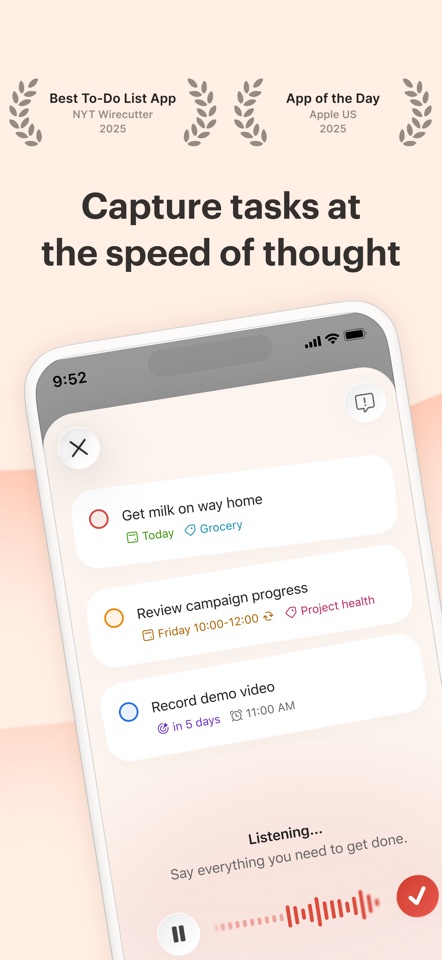
Recent US reviews often praise how quickly Todoist gets out of the way. Lower ratings mention widget bugs, missing tasks and features that feel excessive for a personal list.
US App Store reviewsSomebody gives you a date while you are walking away from a conversation. One loose sentence can put the task in the right project with a reminder before you forget it.
- Best for
- People who may need more power later
- Price model
- Free plan; optional Pro upgrade
- Platforms
- iPhone, iPad, Mac, Windows, Android, web
What we like
- Fast natural-language entry
- Excellent apps
- Easy to grow into
What may put you off
Calendar layout and advanced filters are paid features.
Best feature-rich free plan
TickTick
TickTick gives free users a proper task app plus a taste of its focus tools. The more advanced calendar features still require Premium.
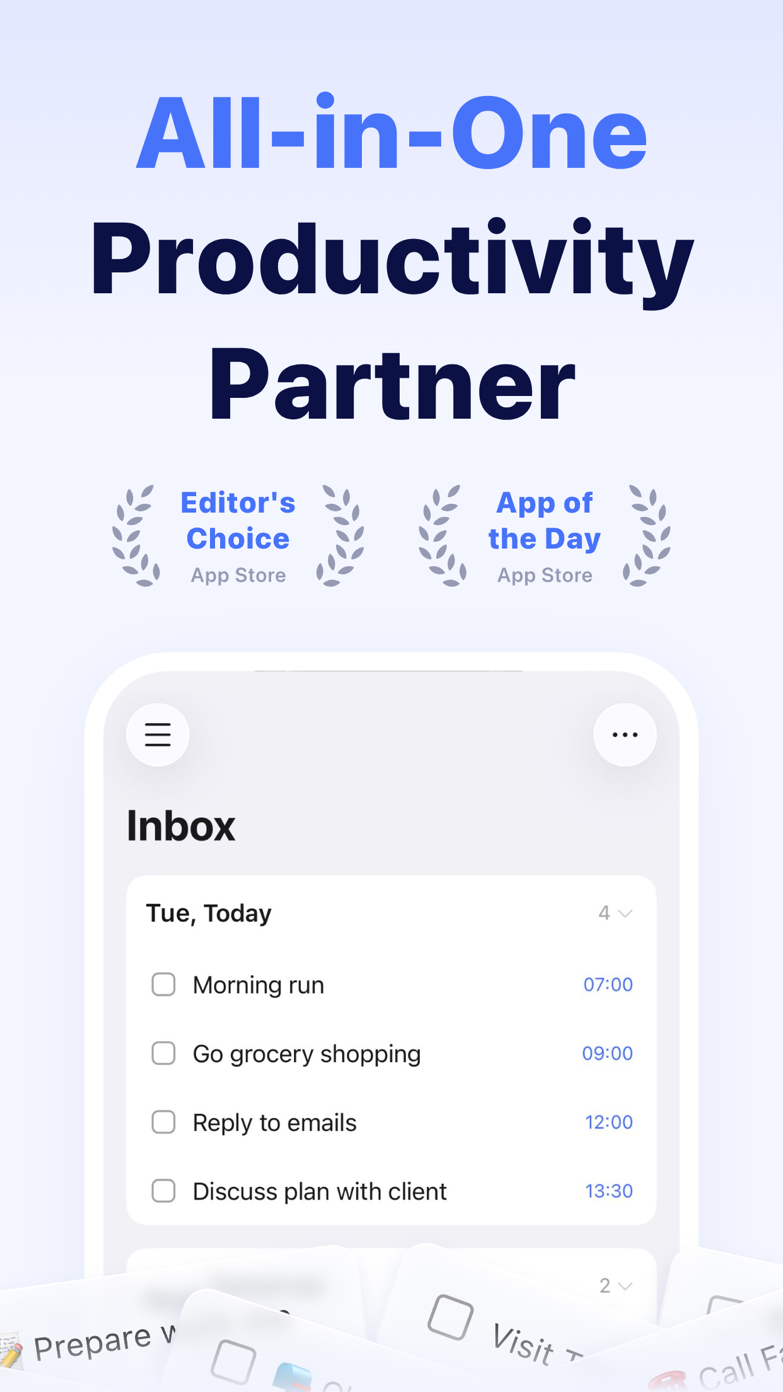
US reviewers repeatedly mention the Pomodoro timer, reminders and help with executive function. The common complaint is how much of the app sits behind Premium.
US App Store reviewsSometimes the task is clear and starting is the hard part. TickTick can put the task, a 25-minute timer and its calendar block on the same screen.
- Best for
- People who like a productivity toolbox
- Price model
- Free; Premium $49.99/year (US web price)
- Platforms
- iPhone, iPad, Mac, Windows, Android, web
What we like
- Lots of built-in tools
- Good recurring tasks
- Cross-platform
What may put you off
Several advanced calendar and filter features require Premium.
Best lightweight choice
Google Tasks
Google Tasks is basic, but that is fine when you only need a short list beside Gmail and Google Calendar.
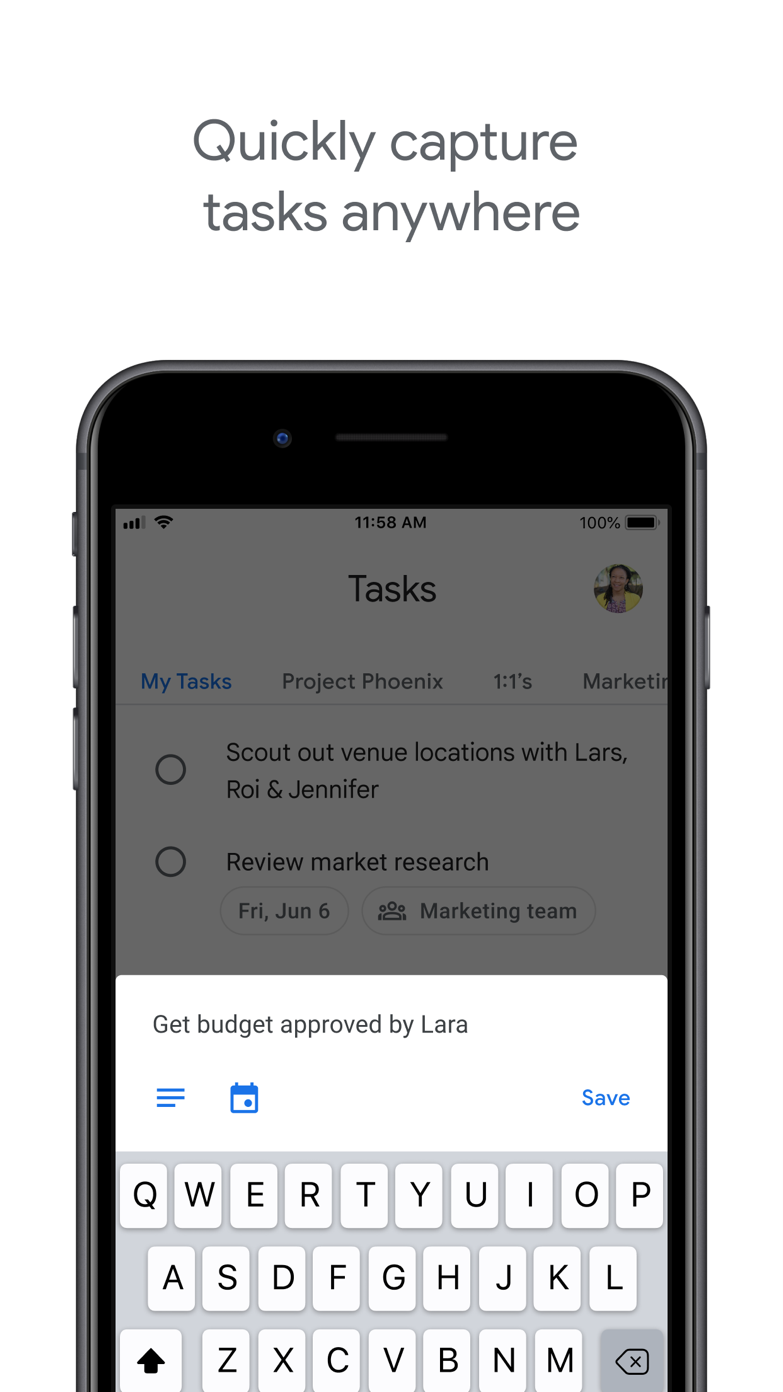
One reviewer missed the old completion sound because it helped their ADHD. Another simply calls the app too basic. Both complaints are useful for such a minimal product.
US App Store reviewsAn email becomes a task without leaving Gmail, then appears in Google Calendar. For a short list, that convenience may matter more than extra features.
- Best for
- Google users who dislike setup
- Price model
- Free with a Google account
- Platforms
- iPhone, Android, web
What we like
- Gmail and Calendar integration
- Very low friction
- Clean interface
What may put you off
Minimal organization and collaboration controls.
Best for rich shared lists
Superlist
Superlist is useful when a shared list starts collecting notes, links and discussion. It still feels younger than Todoist or Microsoft To Do.
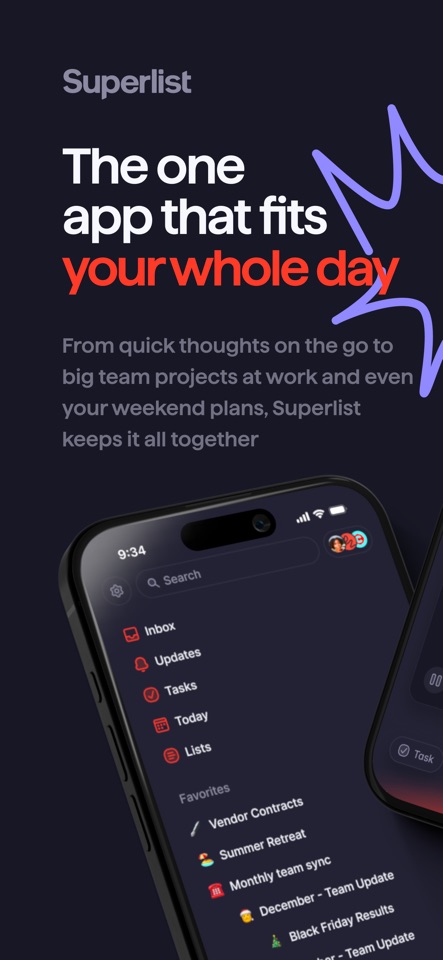
One recent reviewer calls Superlist their favorite list app but still wants priorities. Another likes the product and thinks Pro costs too much.
US App Store reviewsA trip list starts with tasks, then picks up notes, links and another person. Superlist can hold all of that without forcing you into a second document.
- Best for
- Personal lists with occasional collaborators
- Price model
- Free plan; paid team features
- Platforms
- iPhone, Android, Mac, Windows, web
What we like
- Rich list content
- Thoughtful collaboration
- Modern design
What may put you off
Less mature than long-established rivals.
Sources
Where we checked prices and features
We last checked pricing, platforms and availability on . Our opinions are our own. When we mention somebody else's experience, we link to it.
- 01Apple RemindersOfficial product source User review or discussion
- 02Microsoft To DoOfficial product source User review or discussion
- 03TodoistOfficial product source User review or discussion
- 04TickTickOfficial product source User review or discussion
- 05Google TasksOfficial product source User review or discussion
- 06SuperlistOfficial product source User review or discussion