Testing lab · Updated August 31, 2026
The recurring-task test most to-do app reviews skip
Almost every task app says it supports recurring tasks. That does not tell you whether it can handle a quarterly report, an oil change due a month after completion or one skipped occurrence without breaking the series.
 Todoist
 TickTick
 Apple Reminders
Our take
Where we would start
Before committing to an app, try your awkward real repeats rather than “every day.” Check a fixed weekday, the second Monday of a month, repeat after completion, a skipped occurrence and a single rescheduled instance. Also see what happens when you complete one late. That is where otherwise good recurrence systems often become confusing.
Inside the apps
What they actually look like
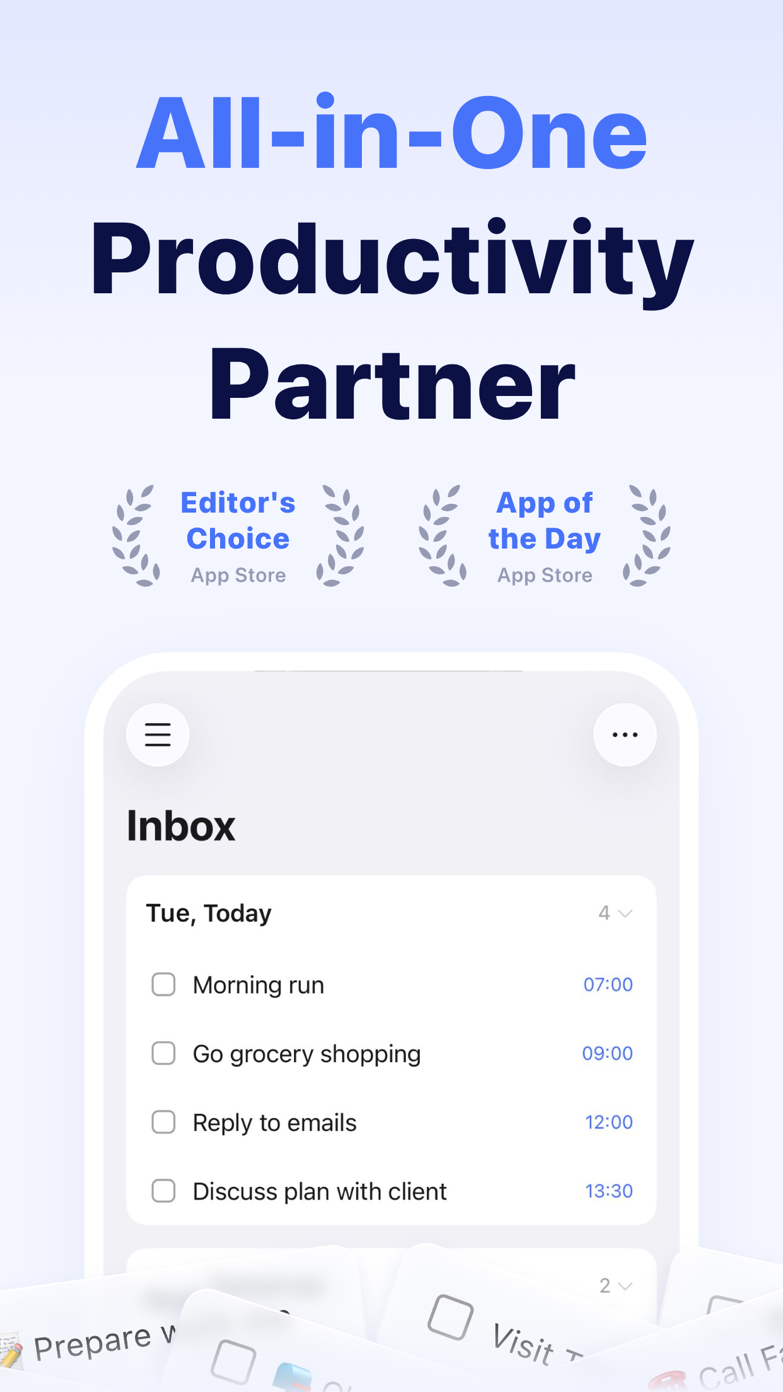
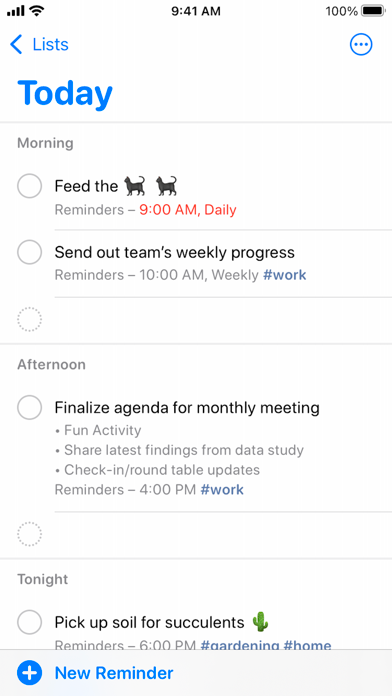
These screenshots come from the apps' current App Store listings. They are not mockups we made for the article.
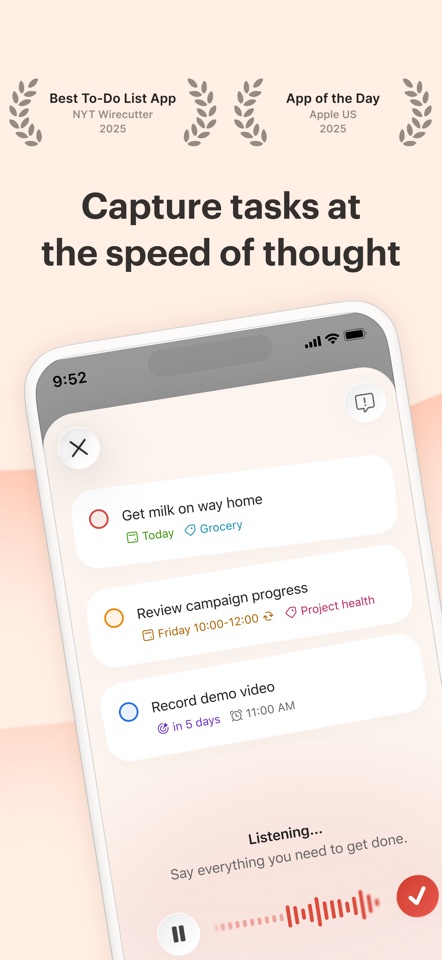
The quick version
The differences that matter
- Every weekday at a time
- Baseline test
- Second Monday every three months
- Calendar-rule test
- Repeat a week after completion
- Completion-relative test
- Skip once without breaking the series
- Exception test
- Last business day
- Work-calendar test
- Reschedule only this instance
- Repair test
“Every month” and “a month after I finish” are different rules
“Every month” follows the calendar. “One month after I finish” follows the completion date. An app may call both recurring, but they produce very different next dates.
That matters for medication, replacing filters, maintenance and any task where finishing late should move the next occurrence instead of shortening the gap.
The real test is skipping or missing one occurrence
Creating the rule is the easy part. Try missing one. Can you move a single occurrence without shifting the whole series? Does completing an old task immediately create another overdue one?
Before you press save, the app should make the next date obvious. Clever natural-language entry is less useful if you cannot tell what rule it created.
Try the recurrence you already struggle with
Do not test “every day.” Try the awkward obligation you already manage: bins every other Thursday, an invoice on the last business day, a review six weeks after completion or medication with a pause.
That single example will tell you more than a product page that simply says “recurring tasks supported.”
Good to know
A few common questions
What does repeat after completion mean?
The next occurrence is calculated from when you complete the current task, not from its original calendar schedule.
Which to-do apps support recurring tasks?
Most major task managers do, but the supported rule depth and exception handling vary materially.
Why do recurring tasks become overdue immediately?
Some apps preserve a fixed schedule. Completing an old instance may create the next scheduled instance in the past.
Sources
Where we checked the facts
We use the app maker's own pages for prices and features. Reviews and community posts are useful for spotting problems, but one person's experience is still one person's experience.
- 01OfficialTodoist product and plan documentationView source
- 02OfficialTickTick featuresView source
- 03Project docsObsidian Tasks recurrence filters and “when done” rulesView source