Buying and switching guide · Updated August 31, 2026
How to choose a to-do app without testing all of them
There are hundreds of task apps, but your real shortlist is probably two or three. Device support and sharing will remove most of the field before you compare a single feature.
 Todoist
 Things 3
 TickTick
 Apple Reminders
 Structured
Our take
Where we would start
Ask six questions: Where do tasks arrive? Which devices must work? Who else needs the list? Do you plan with dates or actual time blocks? How odd are your recurring tasks? How much setup will you tolerate? Once you answer those, try no more than three apps with the same small set of real tasks.
Inside the apps
What they actually look like
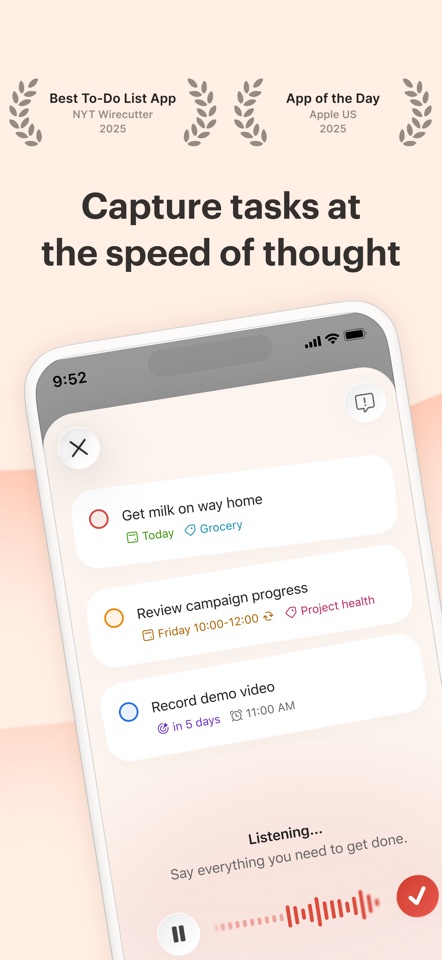
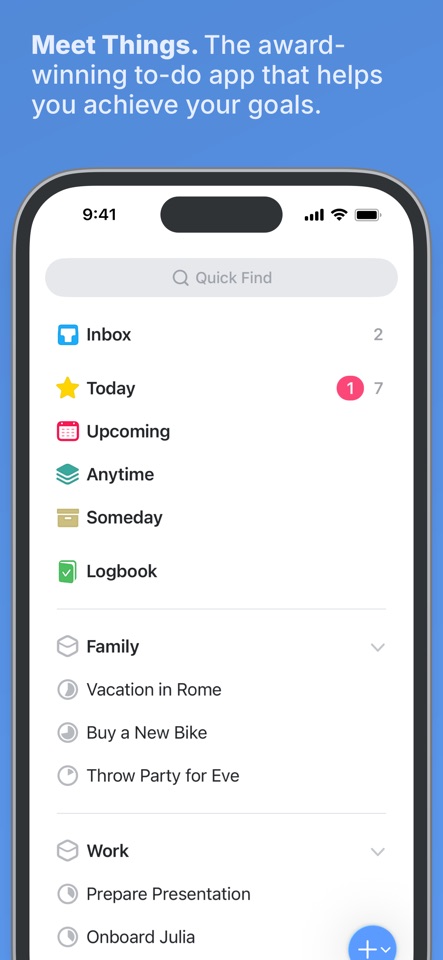
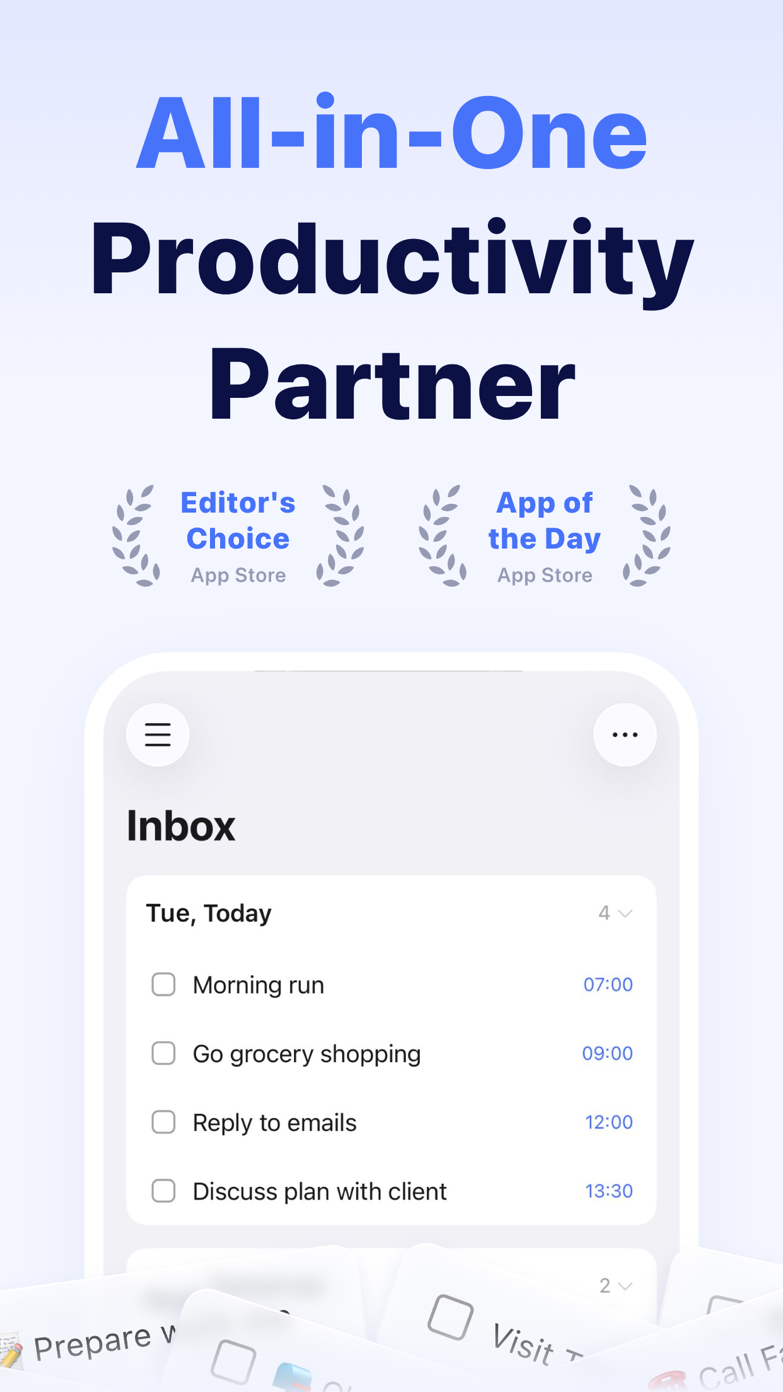
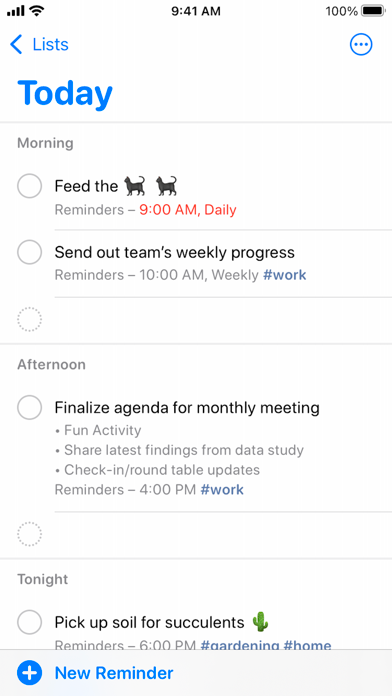
These screenshots come from the apps' current App Store listings. They are not mockups we made for the article.
The quick version
The differences that matter
- Mixed devices or collaboration
- Start with Todoist
- Apple-only personal planning
- Start with Things 3
- Calendar, habits and focus
- Start with TickTick
- Free Apple household lists
- Start with Apple Reminders
- Visual daily timeline
- Start with Structured
- Tasks inside notes
- Start with NotePlan or Obsidian
Rule out apps that miss a device or person you need
An Apple-only app is no use if you spend the workday on Windows. A personal planner is no use if your partner or team needs to edit the list. Check those two things before design or price.
That is why Todoist is easy to recommend widely and Things 3 is a more particular favorite. Todoist keeps more options open; Things is better inside its smaller world.
Pick the view that fixes what goes wrong now
If tasks disappear, look for faster capture and better reminders. If every day is overfull, try a calendar or visual timeline. If tasks lose their meaning, keep them closer to your notes. If starting is hard, a focus timer may matter more than deep project folders.
This is more useful than choosing by a broad label. Two people with ADHD can need opposite apps: one may forget tasks, while the other plans far too many.
Try the same ten tasks in each finalist
Put the same ten tasks into each finalist: a quick errand, a hard deadline, “every three months on the second Monday,” a shared list, a task with notes, something rescheduled and something you may need to export.
Do not import years of history yet. A small test makes the awkward steps obvious without trapping you in a migration you now feel obliged to justify.
Good to know
A few common questions
What is the best to-do app for most people?
Todoist is the easiest general recommendation, but Reminders, Things 3, TickTick and Structured are better for particular ways of working.
How many task apps should I test?
Two or three is enough once you have ruled out anything that misses a device, person or planning style you need.
Should I choose the app with the most features?
No. Choose the smallest set of features that fixes the problems you keep having without adding more upkeep.
Sources
Where we checked the facts
We use the app maker's own pages for prices and features. Reviews and community posts are useful for spotting problems, but one person's experience is still one person's experience.
- 01IndependentBest To Do Apps testing methodologyView source
- 02IndependentBest To-Do List Apps for 2026View source
- 03CommunityWhat todo apps do you use?View source