Workflow explainer · Updated August 31, 2026
Task manager vs notes app: where should your to-dos live?
Keeping tasks and notes together sounds tidy. It works until a dated commitment is buried in a meeting note, or a task list fills with vague verbs whose explanation lives elsewhere.
 Todoist
 NotePlan
Our take
Where we would start
Put dated, recurring, shared or time-sensitive commitments in a task manager. Keep research, decisions and project background in your notes. Leave a task inside a note only when it makes little sense without the surrounding text and you already have a reliable way to find it again.
Inside the apps
What they actually look like
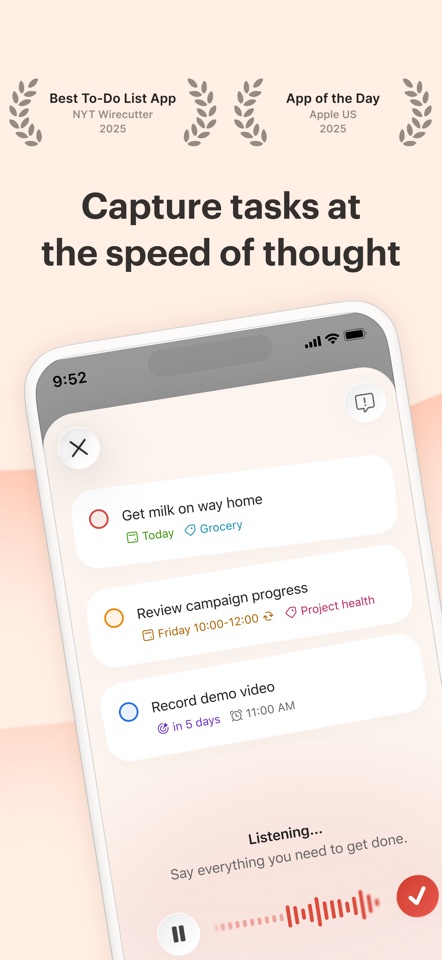
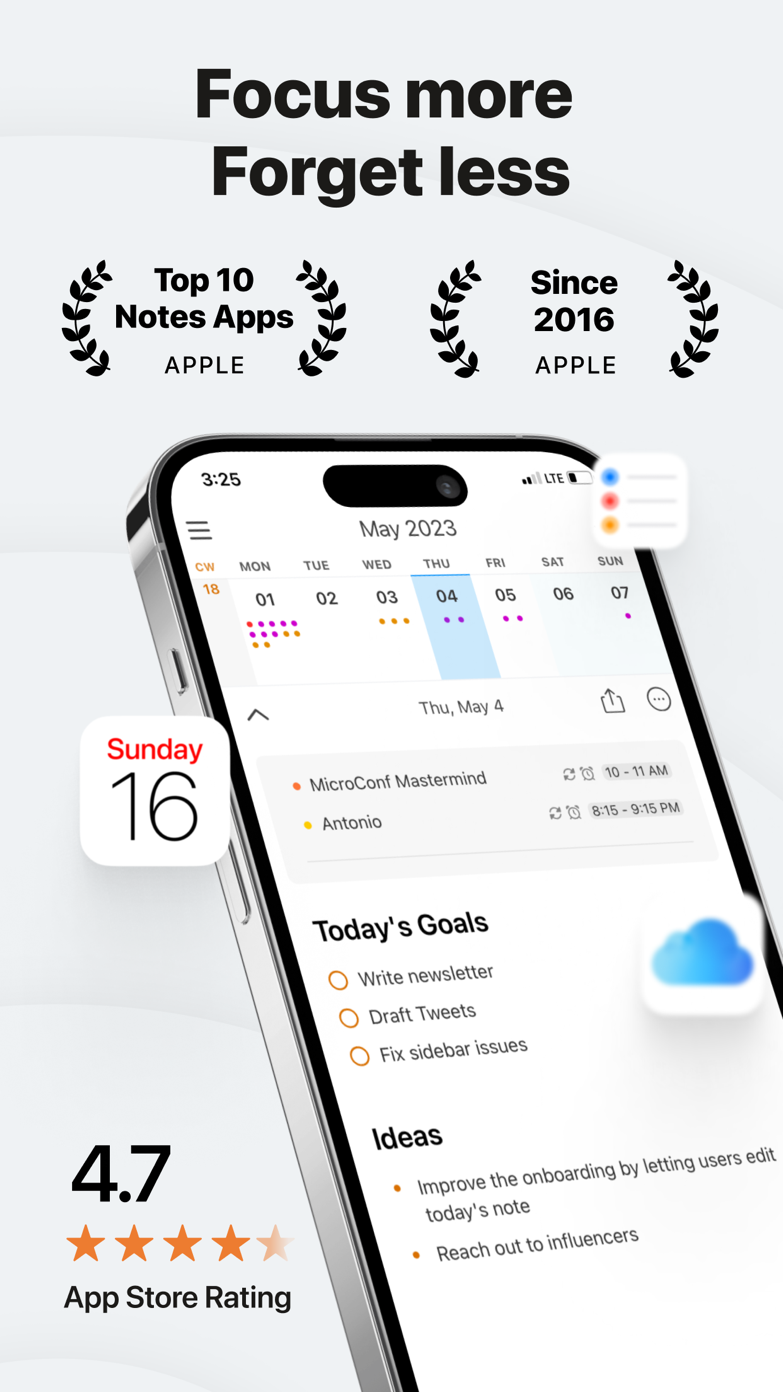
These screenshots come from the apps' current App Store listings. They are not mockups we made for the article.
The quick version
The differences that matter
- Fast capture and reminders
- Task manager
- Rich project context
- Notes app
- Recurring tasks
- Task manager
- Local knowledge archive
- Notes app
- Shared household actions
- Task manager
- Research and writing actions
- Often notes-first
The important job is bringing a task back at the right time
Writing a checkbox is easy. The hard part is making sure it comes back when you can act on it. Task managers are built around dates, reminders, repeating work and views that change with the day.
A note can hold a perfectly written task and still hide it forever. Without a query or a regular review, good context does not help.
A short task title can lose its meaning
The opposite problem is a task list full of vague verbs. “Follow up” is useless when the meeting decision, document and person all live somewhere else.
NotePlan, Obsidian and Notion let the action stay beside that material, then gather open tasks into another view. If the gathering works well, you do not need to copy the task elsewhere.
Make one simple rule for where tasks go
One useful rule is: notes hold project thinking; the task manager holds anything another person or future date is waiting on. An even simpler rule is: a task stays in the note unless it needs a reminder.
The exact wording matters less than consistency. Otherwise you start every day by wondering which app contains the thing you need to do.
Good to know
A few common questions
Can I use Notion or Obsidian as a to-do list?
Yes, especially when tasks need project context. They require more setup and are less direct for reminders and quick capture than dedicated task apps.
Should tasks and notes be in one app?
Only when the combined app retrieves tasks reliably and does not make capture or daily review harder.
What is a good notes-first task app?
NotePlan is purpose-built around daily notes and tasks. Obsidian and Notion are more configurable but require more design work.
Sources
Where we checked the facts
We use the app maker's own pages for prices and features. Reviews and community posts are useful for spotting problems, but one person's experience is still one person's experience.
- 01Project docsObsidian Tasks user guideView source
- 02OfficialNotePlan official siteView source
- 03OfficialTodoist plans and product informationView source