iPhone task apps compared · Checked August 31, 2026
TickTick vs Apple Reminders: which is better on iPhone?
Reminders has the home advantage on iPhone: Siri, locations and shared Apple lists. TickTick earns its subscription by adding a proper calendar, habits and focus tools.
 TickTick
 Apple Reminders
Our take
Which one should you pick?
Use Reminders if you want a free personal or household list with excellent Siri and location support. Pay for TickTick if you will plan tasks on a calendar, use the focus timer or need the app on non-Apple devices. Do not upgrade just for a longer feature list.
Inside the apps
What they actually look like
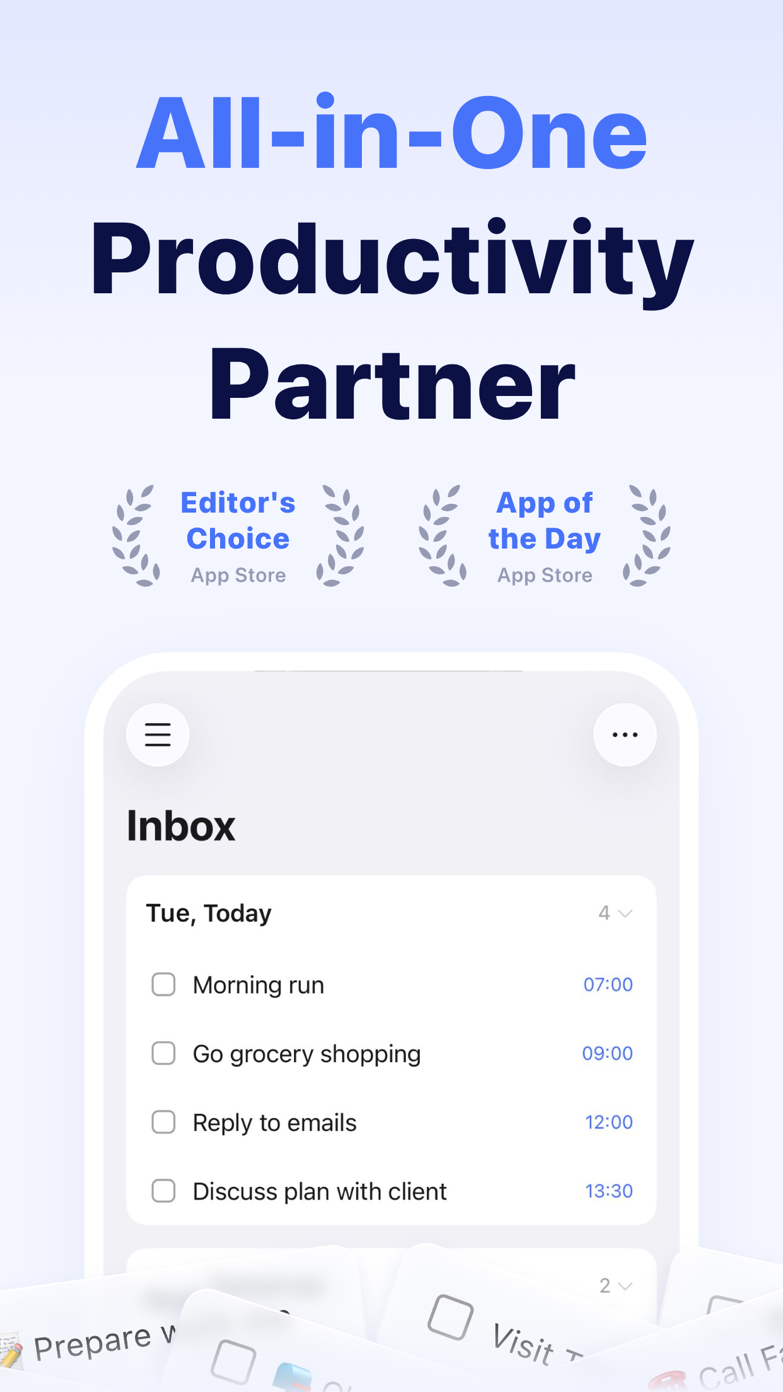
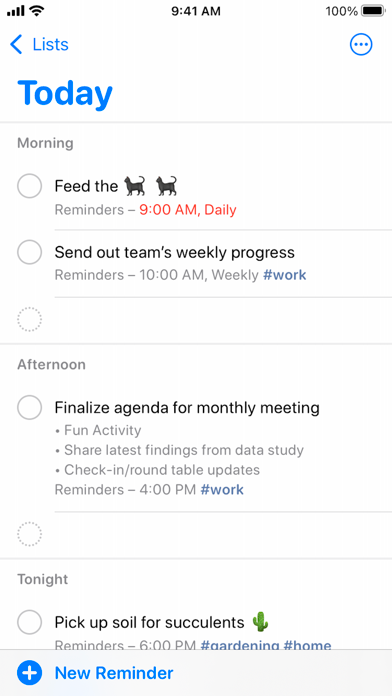
These screenshots come from the apps' current App Store listings. They are not mockups we made for the article.
The quick version
The differences that matter
- Siri and location capture
- Apple Reminders
- Calendar planning
- TickTick
- Habits and focus timer
- TickTick
- Household sharing
- Apple Reminders
- Cross-platform support
- TickTick
- Lowest cost
- Apple Reminders
Reminders is hard to beat for quick iPhone capture
Because Apple controls the phone, Reminders works naturally with Siri, locations and other built-in apps. That matters when you are leaving work, arriving home, messaging somebody or sharing groceries.
It is also already installed. A household can share a list without everybody agreeing to adopt a new productivity app.
TickTick is better for planning the day
TickTick can place tasks on a calendar, connect them to focus sessions and track habits beside them. That makes it much better for somebody who plans time, rather than simply keeping a list of obligations.
The app is busier as a result. There are more views and settings to learn, and several of the better planning features require Premium.
Pay only if it replaces something else
If you already bounce between Reminders, Calendar, a habit tracker and a Pomodoro app, TickTick may be worth paying for. If you only need alerts and shared lists, it is probably overkill.
Do not import everything on day one. Put one changing week into TickTick and see whether you are still opening the calendar and focus tools after day three.
Good to know
A few common questions
Is TickTick better than Apple Reminders?
For calendar-led planning and an all-in-one system, yes. For free Apple-native capture and household reminders, Apple Reminders is better.
Does TickTick work on Android and Windows?
Yes. TickTick supports major mobile and desktop platforms plus the web.
Is TickTick worth paying for on iPhone?
Yes if its calendar, habit tracker or focus timer replaces another app you already use. A simple reminder list rarely needs Premium.
Sources
Where we checked the facts
We use the app maker's own pages for prices and features. Reviews and community posts are useful for spotting problems, but one person's experience is still one person's experience.
- 01OfficialTickTick featuresView source
- 02OfficialTickTick Premium comparisonView source
- 03OfficialGet started with Reminders on iPhoneView source