Full task manager versus Google’s lightweight list · Checked August 31, 2026
Todoist vs Google Tasks: when is the simpler app enough?
Google Tasks is a small, free list tucked into Gmail and Calendar. Todoist is a full task manager. The simpler app wins when that is all you wanted in the first place.
 Todoist
 Google Tasks
Our take
Which one should you pick?
Choose Google Tasks for a short personal list that begins in Gmail or needs to appear in Google Calendar. Choose Todoist for shared work, several projects, filters and faster entry. If you are constantly inventing ways around a Google Tasks limit, you have probably reached the point where Todoist is worth the move.
Inside the apps
What they actually look like
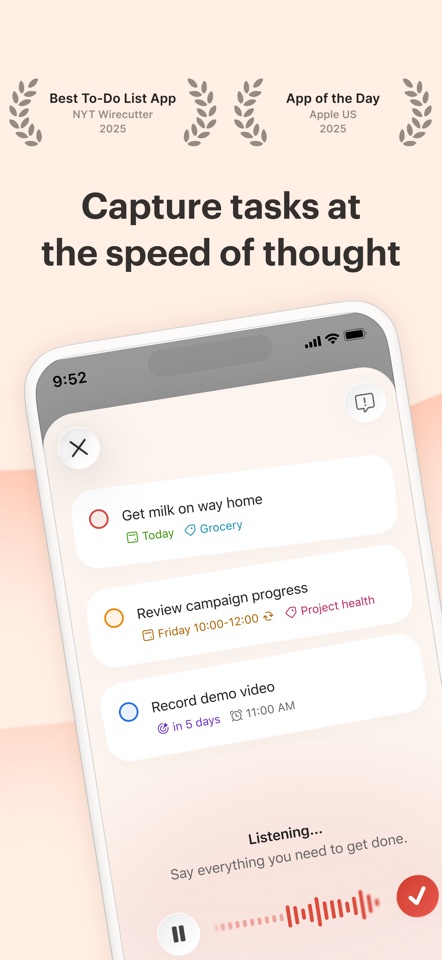
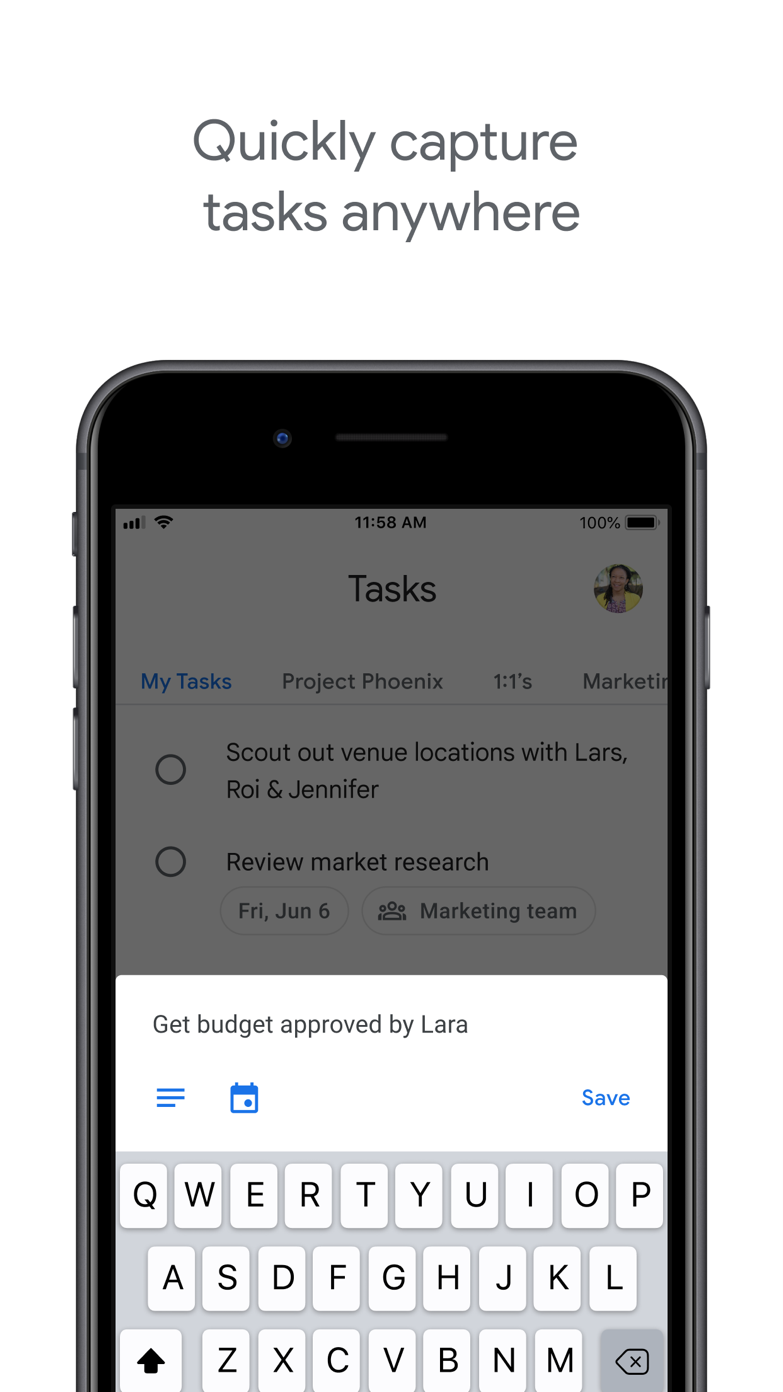
These screenshots come from the apps' current App Store listings. They are not mockups we made for the article.
The quick version
The differences that matter
- Gmail and Google Calendar proximity
- Google Tasks
- Fast natural-language capture
- Todoist
- Project depth and filters
- Todoist
- Lowest setup cost
- Google Tasks
- Collaboration
- Todoist
- Best for a very short list
- Google Tasks
Google Tasks is useful because it is already beside your email
You can turn an email into a task without leaving Gmail, and dated tasks show up in Google Calendar. If your list is mostly “reply, send, book, remember,” that convenience may matter more than advanced organization.
The simplicity becomes limiting when tasks need longer notes, several views, shared projects or unusual repeating rules. Google Tasks gives you a small set of tools and very little to configure.
Todoist gives a growing list somewhere to go
Todoist adds projects, labels and filters without immediately feeling like office project-management software. It has much more room for work spread across different devices and parts of your life.
The risk is spending time maintaining those views. If everything fits into three short lists and your calendar already shows the day, Google Tasks is probably enough.
Move when the same limitation keeps coming back
Move to Todoist when you keep searching, scanning or moving items between Google lists to recreate the same view. Stay with Google Tasks while the list is short enough to scan comfortably.
Extra organization is useful only when it hides work you do not need to see. If you can still see the whole list without feeling overwhelmed, the simpler app is doing its job.
Good to know
A few common questions
Is Google Tasks better than Todoist?
Google Tasks is better for lightweight lists inside Gmail and Calendar. Todoist is better for structured, cross-platform project and collaboration needs.
Is Google Tasks free?
Google Tasks is included with a Google account.
Can Google Tasks replace Todoist?
Yes for simple personal lists. People relying on filters, shared projects, integrations or richer recurring work are more likely to miss Todoist.
Sources
Where we checked the facts
We use the app maker's own pages for prices and features. Reviews and community posts are useful for spotting problems, but one person's experience is still one person's experience.
- 01OfficialGoogle Tasks product pageView source
- 02OfficialTodoist plans, pricing, and billing FAQView source
- 03App StoreGoogle Tasks US App Store listingView source