Behavior and workflow guide · Updated August 31, 2026
Why to-do apps do not stick, and how to choose one you will keep using
Most abandoned task apps were not missing a feature. They simply became another thing to maintain, usually on the day you had the least time or attention for it.
 Todoist
 Apple Reminders
 Structured
 TickTick
Our take
Where we would start
A task app is easier to keep when adding something takes seconds, the Today view is short enough to believe and a missed day does not leave an hour of cleanup. Start with a small live list and use it through one bad week before importing years of old tasks.
Inside the apps
What they actually look like
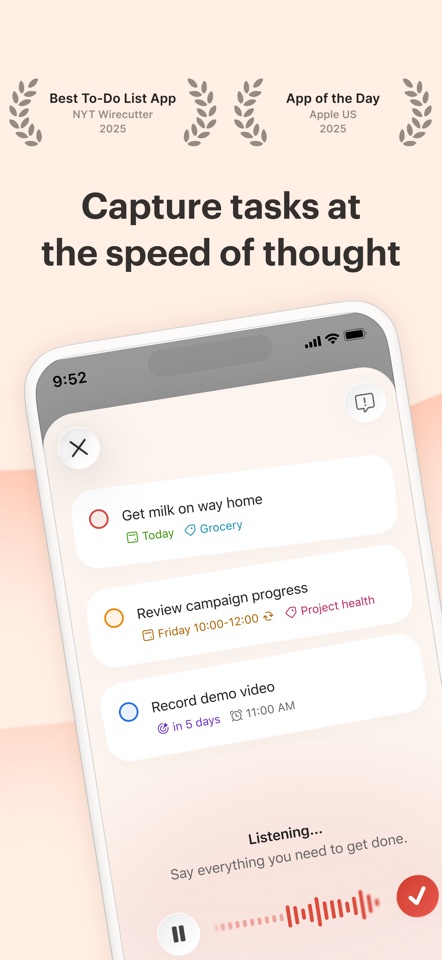
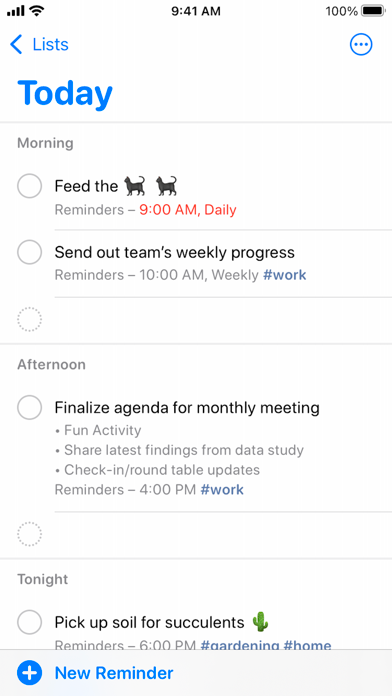
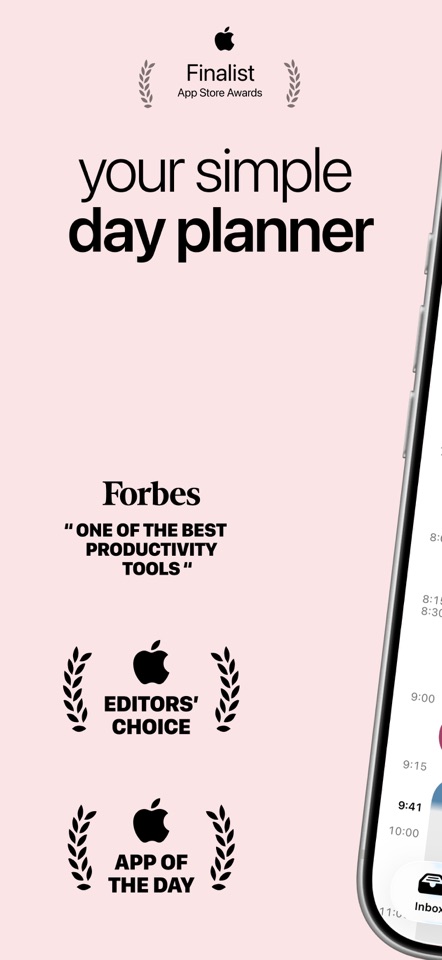
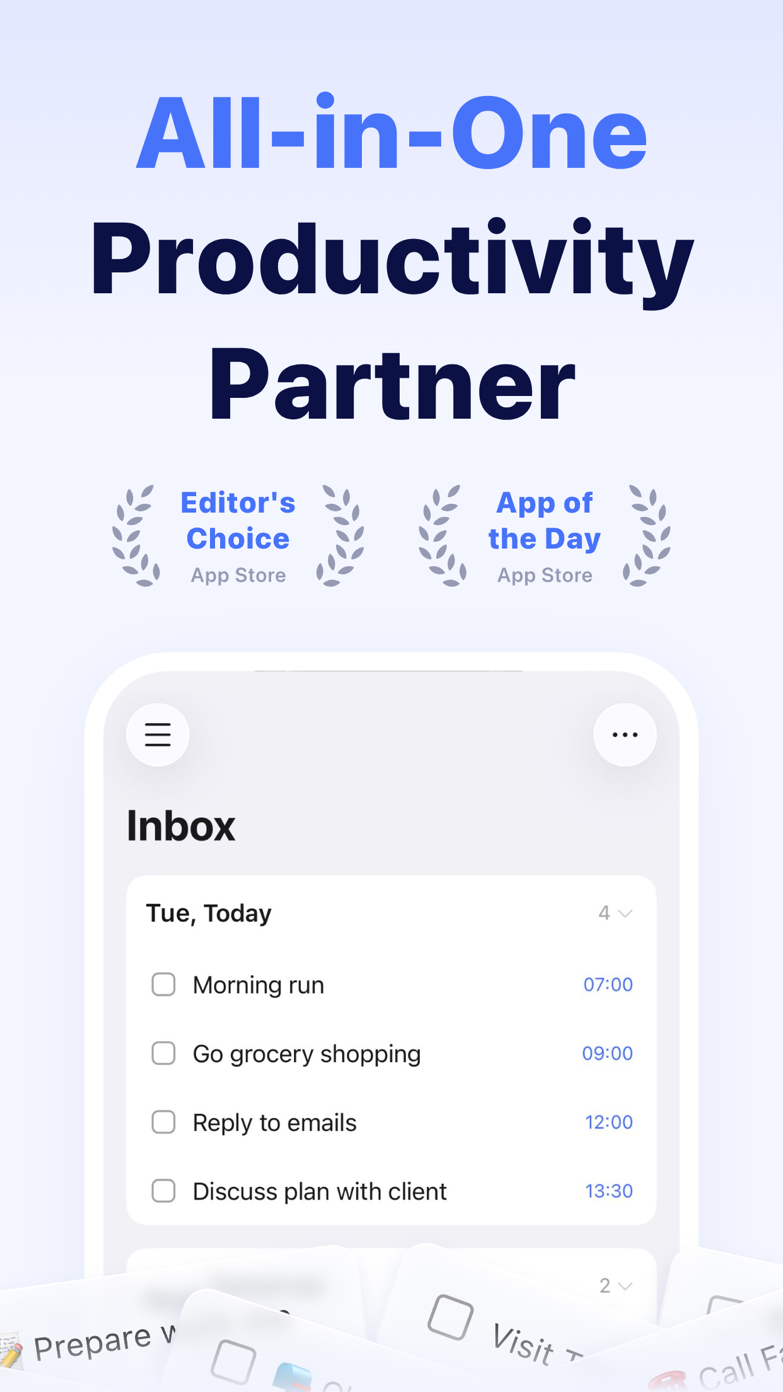
These screenshots come from the apps' current App Store listings. They are not mockups we made for the article.
The quick version
The differences that matter
- Capture takes too long
- Use faster voice or natural-language entry
- Today becomes a wall of red
- Separate deadlines from availability
- The list ignores time
- Add a calendar or visual planner
- Setup becomes the hobby
- Choose a more opinionated app
- Reminders become invisible
- Reduce alerts and reserve them for commitments
- You keep switching
- Run one app through a disrupted week
Adding a task should take a few seconds
If an app asks for a project, tags, priority and duration before it will save, adding a task has become a form-filling exercise. Get the thought down first and sort it out later.
Natural-language entry, voice capture and a single inbox matter because useful thoughts rarely arrive during a scheduled weekly review.
Fake due dates make the Today view useless
People add made-up due dates because undated tasks disappear. Soon the overdue view is full of work that was never genuinely due, and the red labels stop meaning anything.
Start dates, Anytime and Someday lists, or a fresh My Day selection give you another way to surface work. A deadline should still mean a deadline.
See what happens after you miss a day
Almost every system feels good on setup day. The better test comes after travel, illness, an urgent project or a missed review. Can you get back on track without rescheduling forty tasks one by one?
Use a small set of live tasks for a week. Import the old archive only after the new setup survives an interruption.
Good to know
A few common questions
Why do I keep abandoning to-do apps?
Common causes are slow capture, unrealistic daily plans, too much setup, too many reminders and choosing an app that solves the wrong problem.
What is the simplest way to start?
Use one inbox and one small Today list. Add projects, tags or calendar planning only when a repeated problem demands them.
How long should I test a task app?
Use it through at least one normal week and one messy one. Setup-day enthusiasm will not show how hard the list is to recover after you fall behind.
Sources
Where we checked the facts
We use the app maker's own pages for prices and features. Reviews and community posts are useful for spotting problems, but one person's experience is still one person's experience.
- 01CommunityWhat’s the best todo list app in your opinion?View source
- 02CommunityWhat productivity apps survived long-term use?View source
- 03CommunityApple Reminders as a main productivity appView source