Price and ownership guide · Updated August 31, 2026
The best no-subscription to-do apps: free and one-time choices
A subscription may be reasonable, but not everybody wants another yearly bill for a list. The good news is that several free and one-time options are genuinely useful.
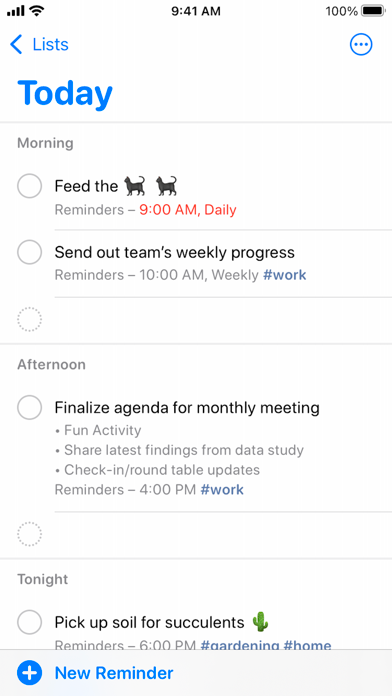
 Apple Reminders
 Microsoft To Do
 Google Tasks
 Things 3
Our take
Where we would start
Use Apple Reminders on Apple devices, Microsoft To Do around Outlook and Google Tasks for a very light Gmail list. Things 3 is the best polished one-time purchase for Apple-only personal planning. Local and open-source tools give you more control over the data, but usually ask you to handle more setup and maintenance yourself.
Inside the apps
What they actually look like
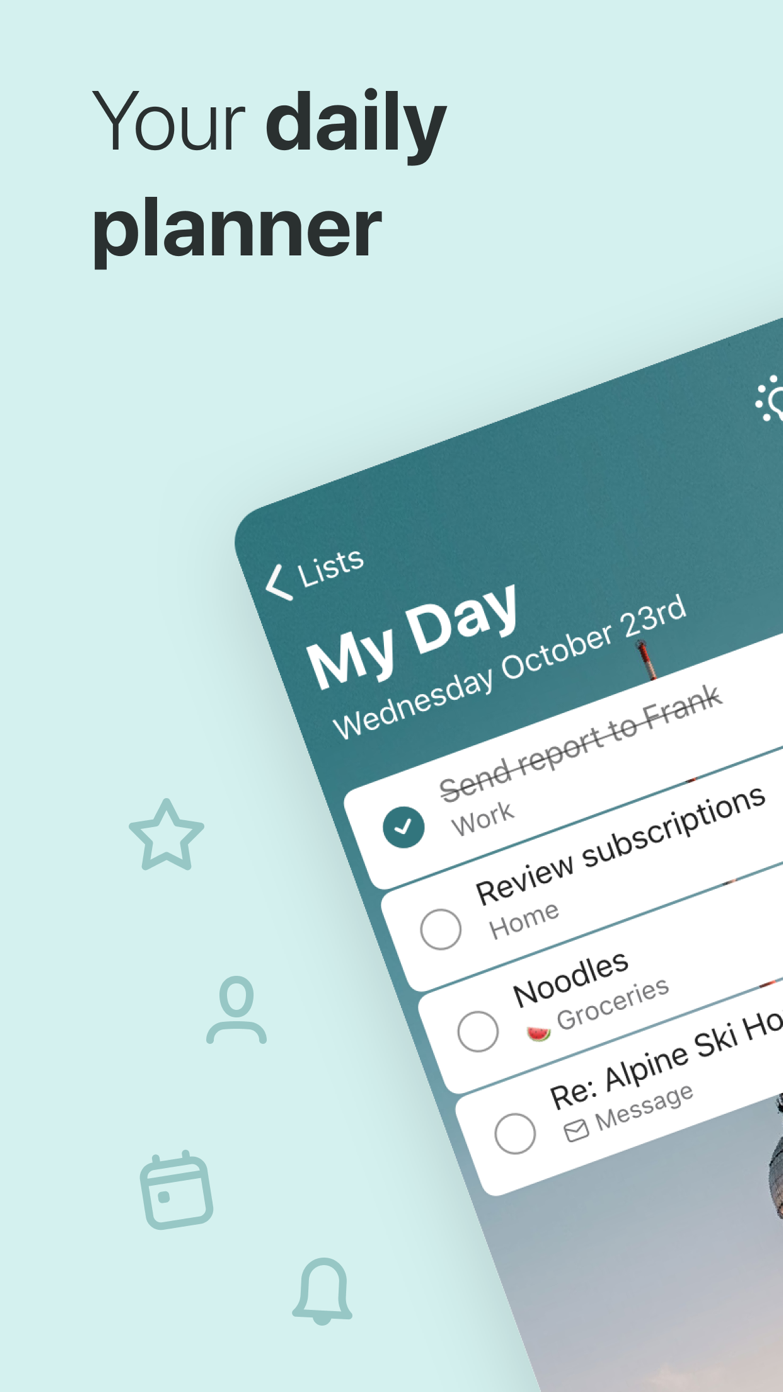
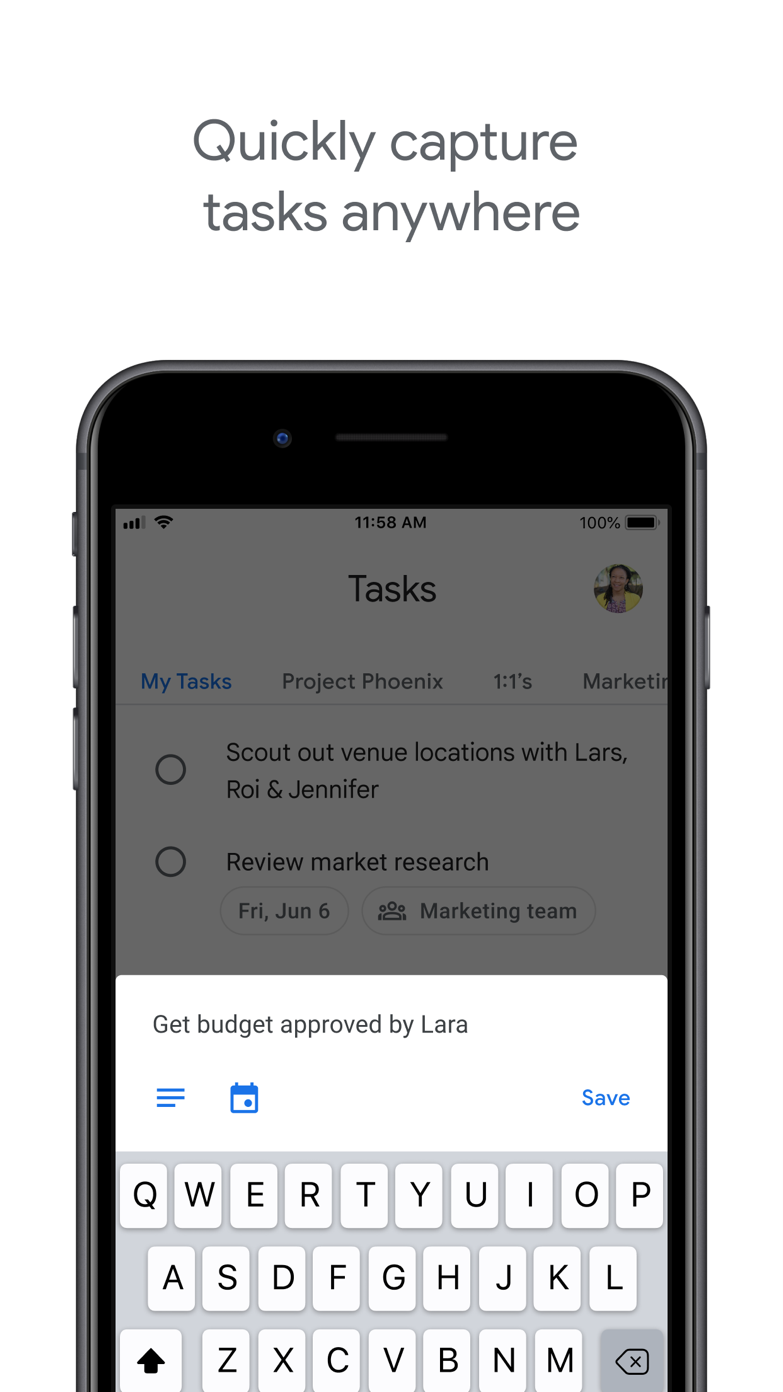
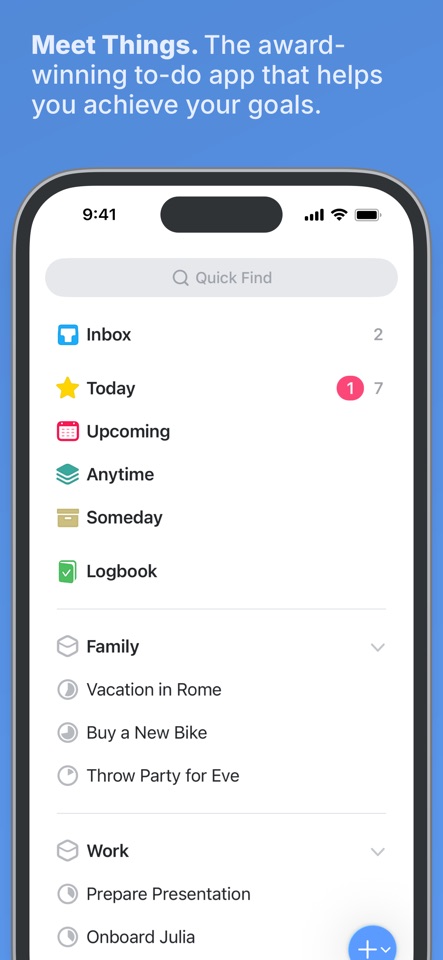
These screenshots come from the apps' current App Store listings. They are not mockups we made for the article.
The quick version
The differences that matter
- Best free on Apple
- Apple Reminders
- Best free for Microsoft users
- Microsoft To Do
- Best light Gmail list
- Google Tasks
- Best paid one-time Apple app
- Things 3
- Best for local control
- Open-source or Markdown-based tools
- Main trade-off
- Fewer hosted features, integrations or platform options
The free apps from Apple, Microsoft and Google are good enough for many people
Apple, Microsoft and Google can give away task apps because the apps keep people inside their larger services. Their free plans are therefore less likely to be short-term promotions, although they tie your list to an ecosystem you do not control.
For everyday use, these defaults handle reminders, repeats and sync well enough. A paid app should give you a specific improvement in planning, sharing or platform access.
Things 3 is a separate purchase on each Apple platform
Things 3 is sold separately on iPhone, iPad and Mac. It is still a one-time model, but a complete Apple setup costs more than one purchase, and a future major version may be sold separately.
In return, there is no yearly bill. You also get no web or non-Apple access, and proper online collaboration is unlikely to appear by magic.
More control over your data usually means more work
Local-first, Markdown and self-hosted tools reduce your dependence on a company. They can also make backups, sync, plugins and upgrades your problem. That may be a fair trade for privacy and long-term access.
A subscription is not automatically a rip-off, and a one-time app is not automatically permanent. Check the export options, file format and how much online service the app needs to keep running.
Good to know
A few common questions
What is the best to-do app without a subscription?
Apple Reminders is the best free Apple choice; Things 3 is the strongest one-time premium Apple option; Microsoft To Do and Google Tasks are strong free ecosystem choices.
Is Things 3 a one-time purchase?
Yes, but its apps are purchased separately on Apple platforms.
Are free task apps safe to rely on?
They can be, especially established platform apps. Check export options, platform dependence and whether the business model aligns with long-term maintenance.
Sources
Where we checked the facts
We use the app maker's own pages for prices and features. Reviews and community posts are useful for spotting problems, but one person's experience is still one person's experience.
- 01OfficialGetting Things: Things SupportView source
- 02OfficialGet started with Reminders on iPhoneView source
- 03OfficialPlan and connect with Microsoft To DoView source
- 04OfficialGoogle Tasks product pageView source