Workflow explainer · Updated August 31, 2026
To-do list vs time-blocking: which problem are you trying to solve?
A to-do list can hold twenty honest commitments while pretending they all fit into Tuesday. Time-blocking forces you to look at the hours you actually have.
 Todoist
 TickTick
 Structured
 NotePlan
Our take
Where we would start
Keep a to-do list as the main home for your commitments. Add time blocks when your daily list is consistently longer than the day. For most people, the workable setup is a complete list plus a small number of tasks placed on the calendar, not a calendar packed with every two-minute errand.
Inside the apps
What they actually look like
These screenshots come from the apps' current App Store listings. They are not mockups we made for the article.
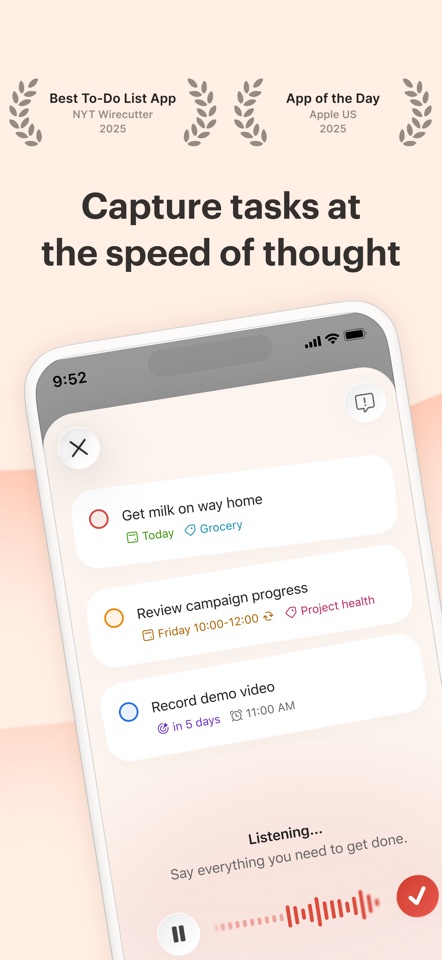
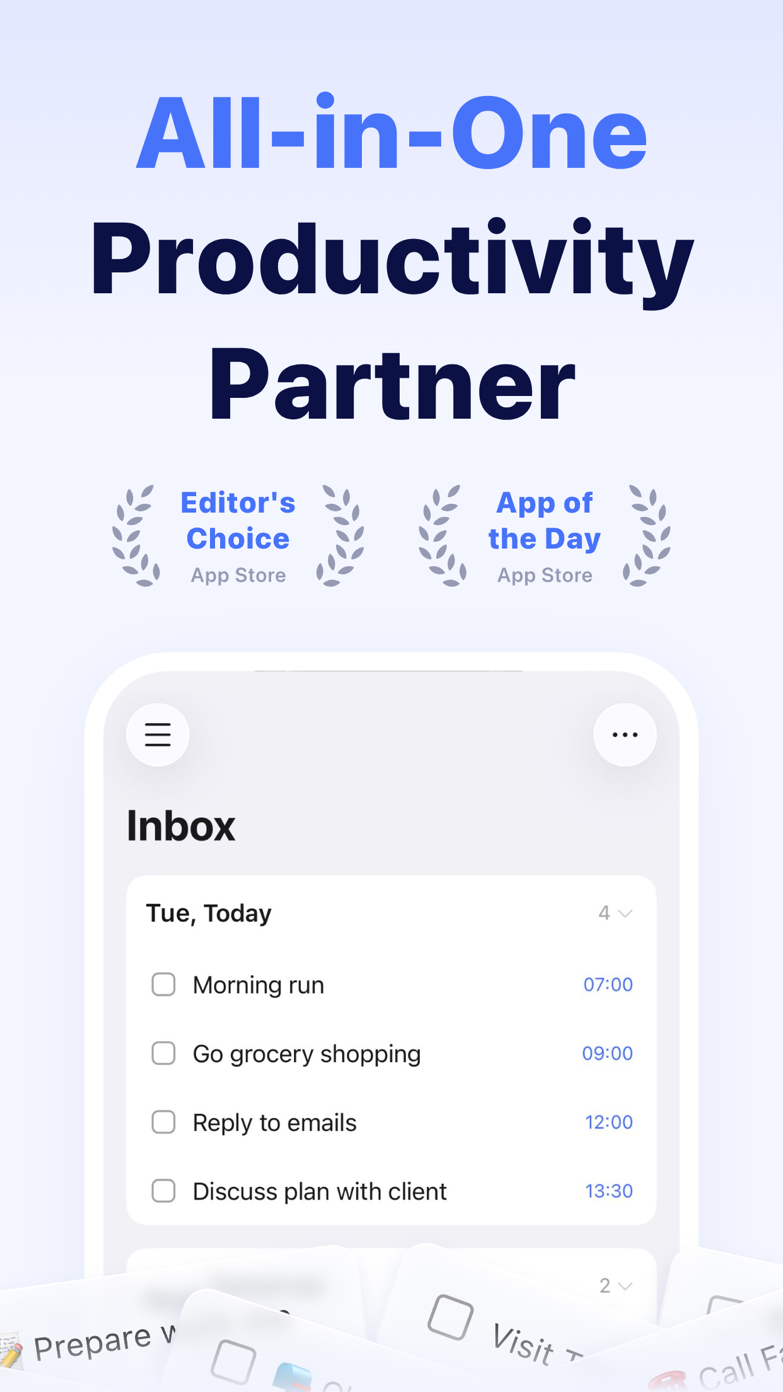
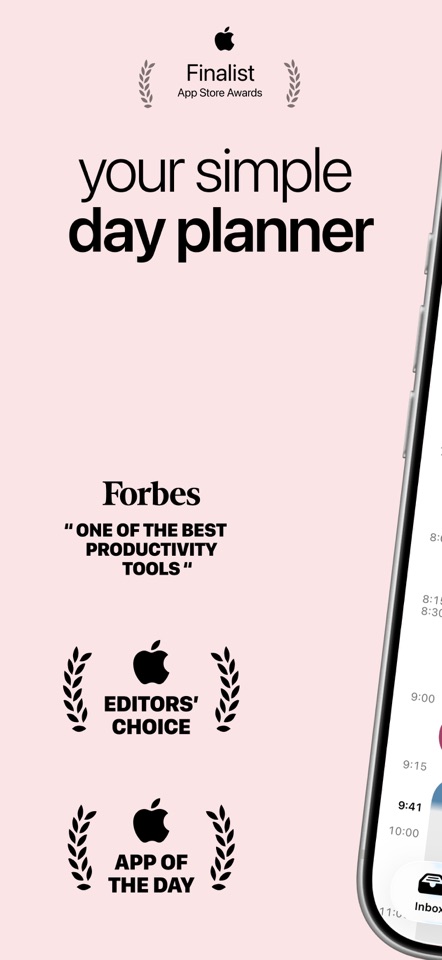
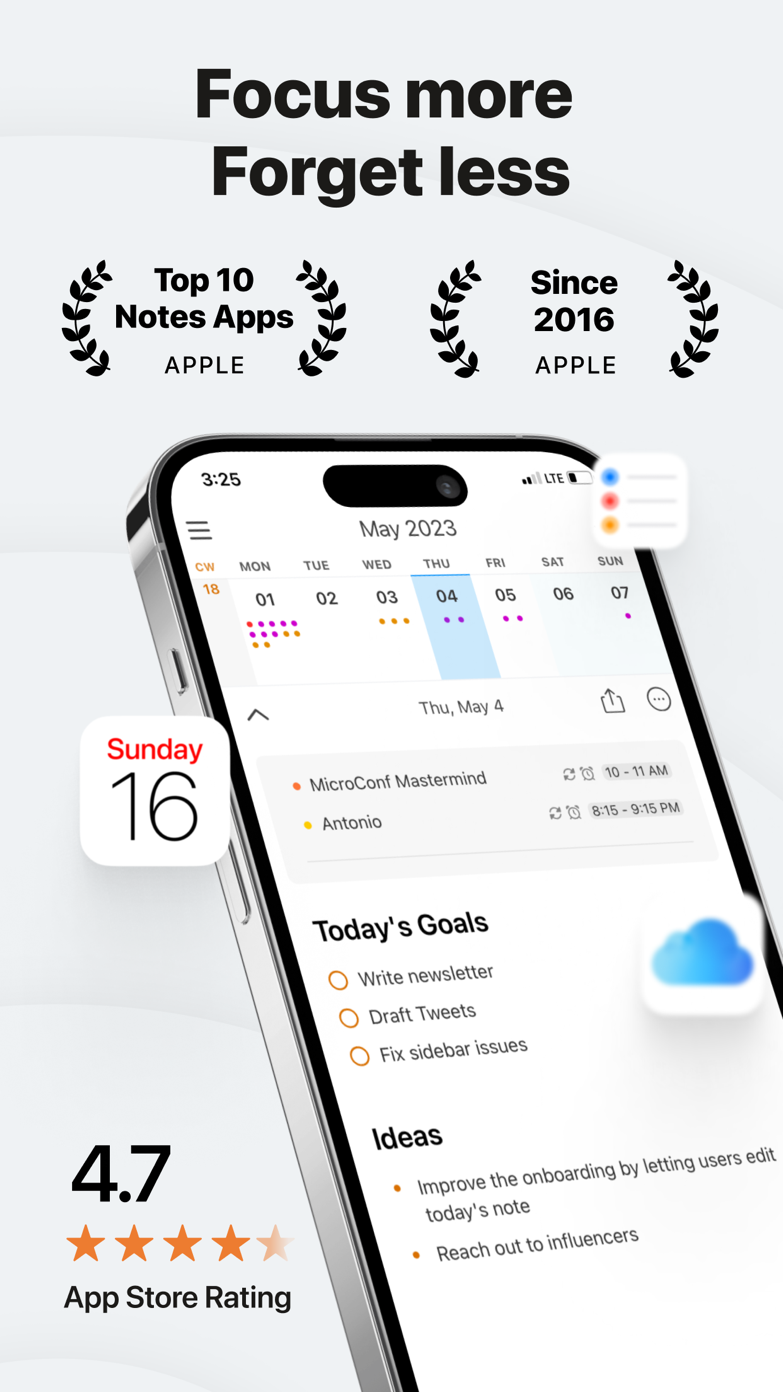
The quick version
The differences that matter
- Best for fast capture
- To-do list
- Best for realistic capacity
- Time-blocking
- Best for recurring maintenance
- To-do list
- Best for protecting deep work
- Time-blocking
- Main list failure
- Everything looks equally possible
- Main time-blocking failure
- The calendar becomes brittle
A to-do list does not tell you what fits today
A good list remembers everything without showing everything at once. Trouble starts when every visible item is treated as a plan for today. A red priority flag cannot create another hour.
Put plenty into the inbox, but be strict about what reaches Today. The backlog can be long; the daily list should not be.
A calendar makes you guess how long the work will take
Time-blocking makes you estimate a task and decide what it will displace. That extra step is useful because it shows that six “important” tasks cannot fit between four meetings.
It becomes exhausting when every interruption forces you to rebuild the day. The better calendar planners make blocks easy to move or split without losing the original task.
The simplest way to use both
Keep one main task list. During a daily or weekly review, choose a few tasks that need protected time and put only those on the calendar. Leave quick errands on the list.
At the end of the day, move unfinished blocks without creating several duplicate events. The task should stay intact even when the plan changes.
Good to know
A few common questions
Is time-blocking better than a to-do list?
It is better for capacity and focus, while a list is better for capture and inventory. A hybrid usually works best.
Which apps combine tasks and time-blocking?
TickTick, Sunsama, Akiflow, Motion, Morgen and other calendar-first planners combine these ideas in different ways.
Should every task go on the calendar?
No. Calendar blocks are most useful for work that needs protected time. Small errands and flexible actions can remain on a list.
Sources
Where we checked the facts
We use the app maker's own pages for prices and features. Reviews and community posts are useful for spotting problems, but one person's experience is still one person's experience.
- 01OfficialTickTick featuresView source
- 02CommunityTime-blocking with to-do lists discussionView source
- 03CommunitySplitting one task into multiple time blocksView source